


Samsung Galaxy S26 Ultra one-month review: An ace in the pack
Samsung has recently launched its flagship, the Galaxy S26 Ultra. The smartphone brings all the goodness, with high-end AI features as the cherry on top. But is it worth buying? Absolutely. Here’s why.

Pros:
- Big and bright display
- Long battery life
- Camera
- AI features
Cons:
- Heats up
- No charger in box
Price: Rs 1,39,999
Ratings: 4.3/5
Samsung unveiled its flagship Galaxy S26 series last month, continuing the legacy of one of its most successful smartphone line-ups. With each passing year, flagship devices have become more intelligent, more refined, and increasingly centred around AI-driven experiences, an area where Samsung has consistently stayed ahead.
Having used the Samsung Galaxy S26 Ultra as my primary device for the past month, it quickly became evident that its strengths far outweigh its shortcomings. While comparisons with rivals like the Apple iPhone 17 Pro are inevitable in this segment, this review focuses solely on how the Galaxy S26 Ultra performs in day-to-day life and whether it truly enhances the overall user experience.
 More from Reviews
Design: Familiar, yet refined
Samsung has largely retained its signature design language for the Galaxy S series, and the Galaxy S26 Ultra is no exception. The device feels solid, sturdy, and impressively slim in hand. While I would have preferred a more refreshed design, the familiarity is something long-time users will appreciate.
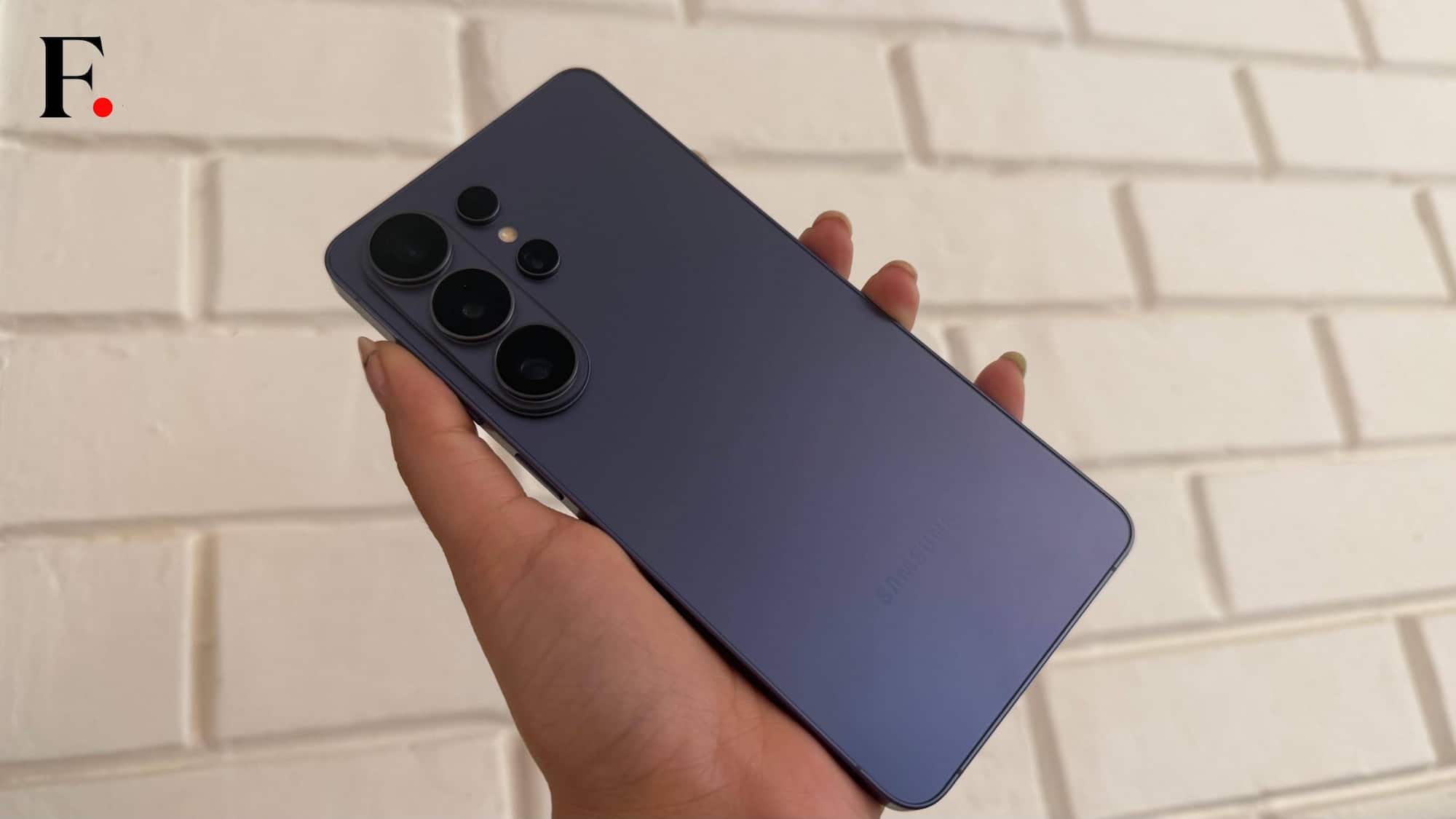
That said, Samsung has introduced subtle refinements over the Galaxy S25 Ultra. At just 7.9mm thick, the Galaxy S26 Ultra is the slimmest Galaxy S device yet, compared to 8.2mm on its predecessor. Despite its large footprint, the slimmer profile makes it easier to handle and slide into a pocket.
The changes are more noticeable at the back. The redesigned pill-shaped glass camera island neatly houses the triple camera setup, lending the device a more modern look. While it enhances the premium appeal, the smooth finish also makes the phone slightly slippery.
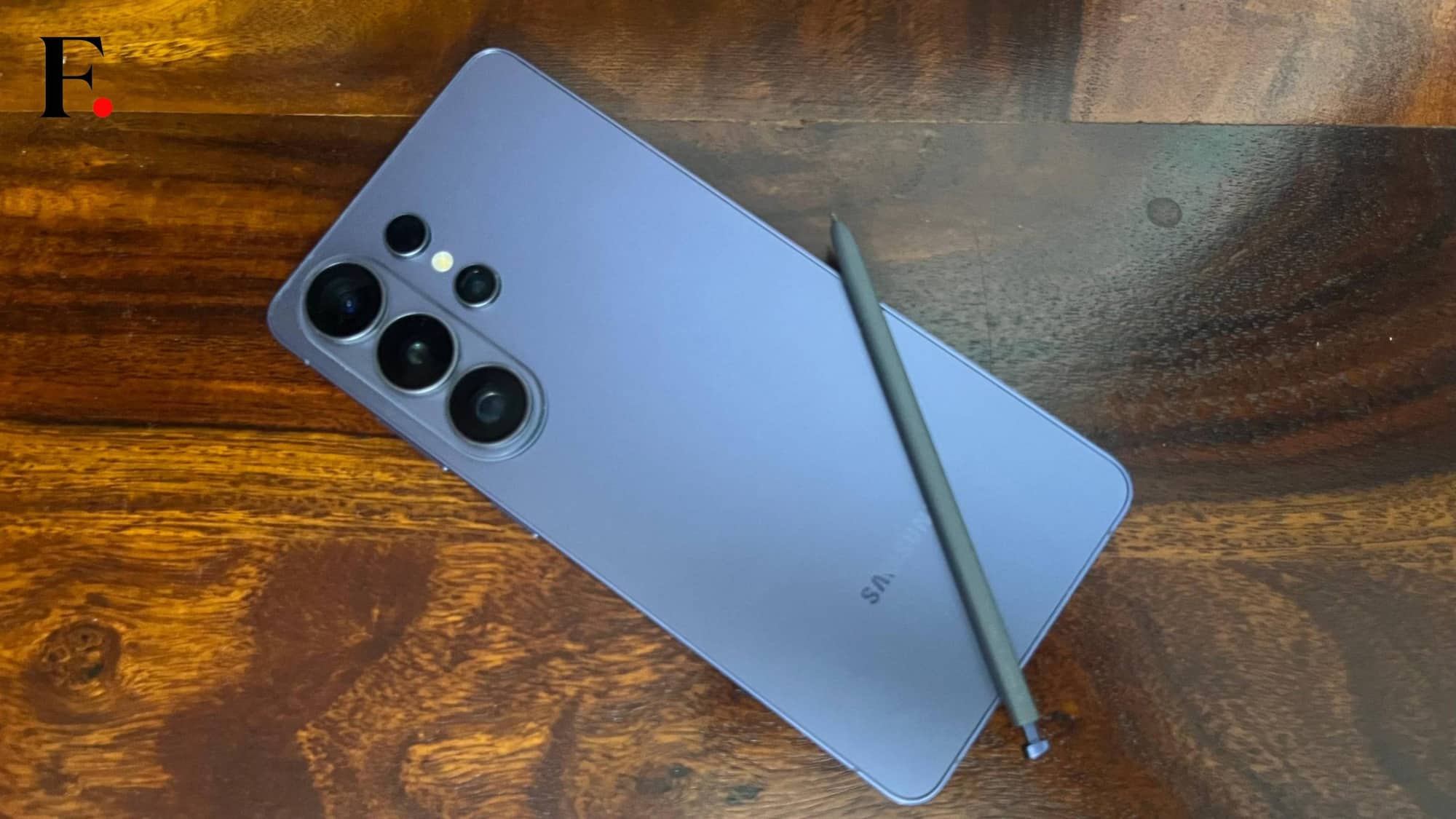
In everyday use, the protruding camera module does present a minor inconvenience. Keeping the phone face up results in a slight wobble on flat surfaces. Even unlocking via the fingerprint sensor felt awkward at times, often prompting me to flip the phone over.
The S Pen remains neatly tucked into its slot, maintaining continuity.
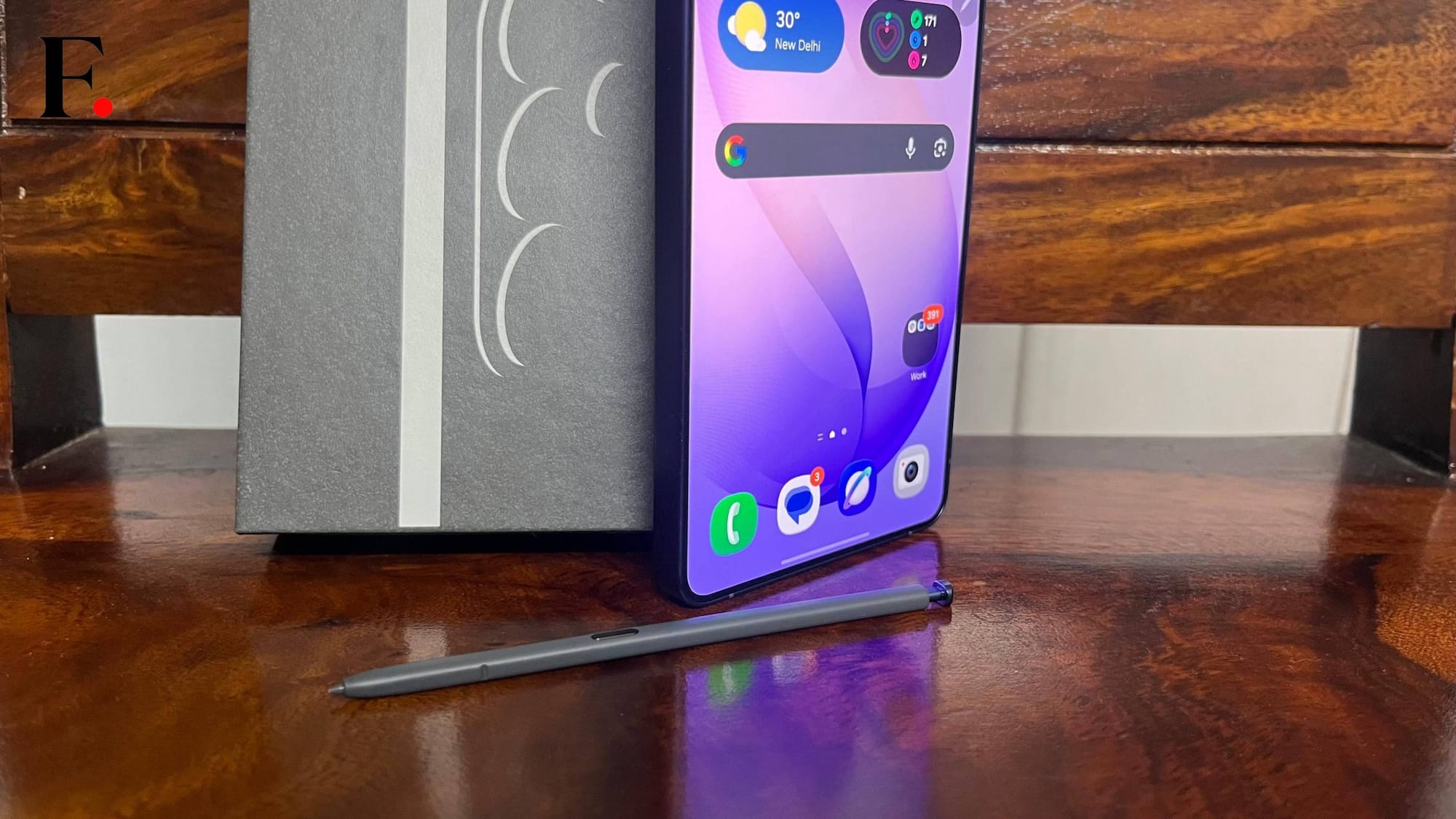
Overall, the Galaxy S26 Ultra delivers a distinctly premium experience that aligns with its price. That said, its large size may not suit everyone. One-handed usage can be difficult, but the expansive display makes content consumption a delight.
Display: Big, beautiful and private
I am so excited to talk about the Samsung Galaxy S26 Ultra’s display, all thanks to the latest features: Privacy display. But let’s wait a bit to delve into it.
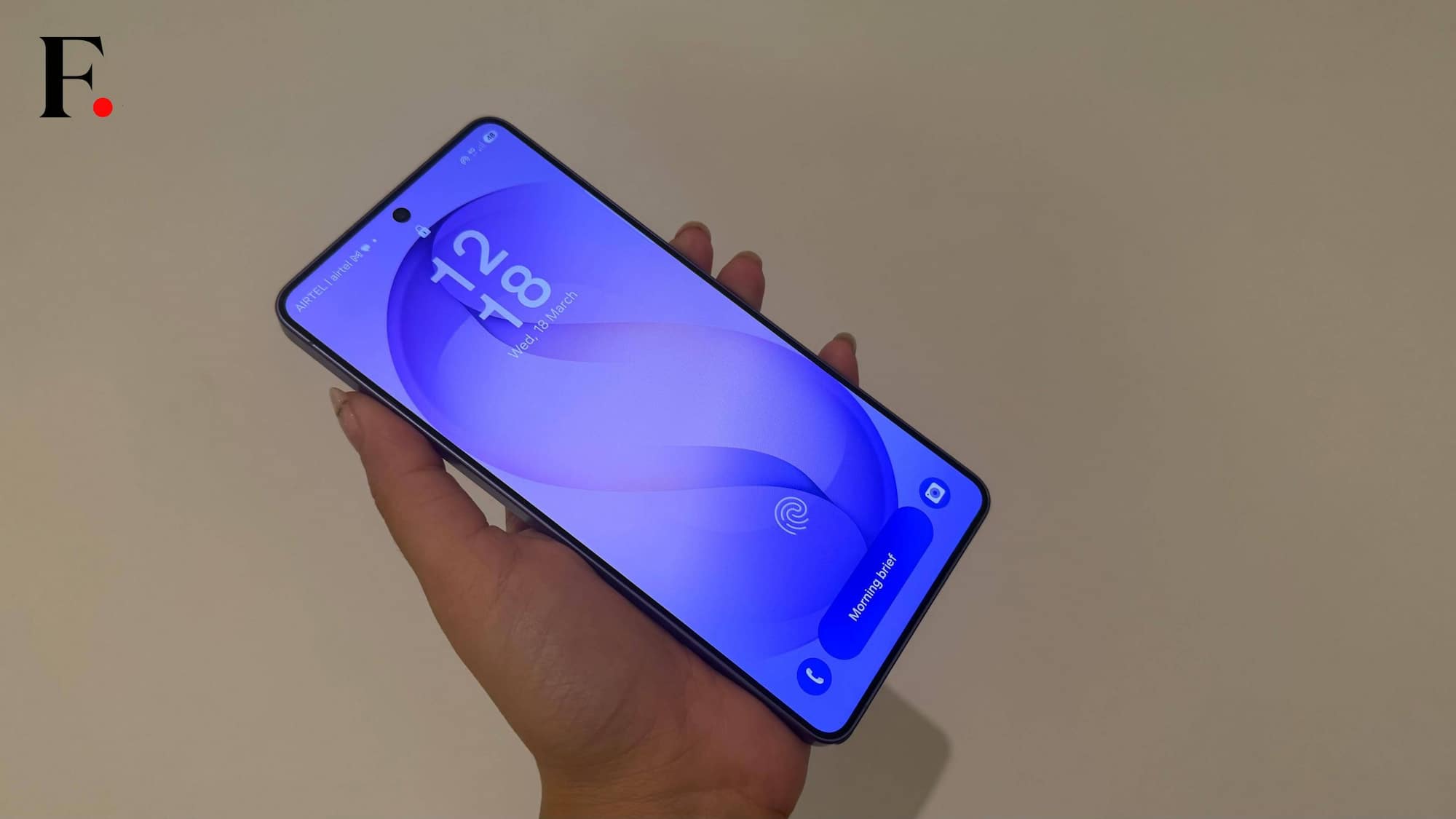
The Galaxy S26 Ultra features a 6.9-inch dynamic AMOLED 2X display with a 120Hz refresh rate. The display is adequately bright and delivers a dynamic range of colours. Being a tab-baby, I have a habit of watching something every time I sit for my meal. And the Galaxy S26’s big and bright display made that experience even better.
During my review period, the device has been my buddy in every task and the display was one of the most key characters in the story.
For the first time, Samsung has introduced a Private Display feature with the Galaxy S26 Ultra. Yes, it is similar to those private screen guards you dock on the top of your smartphones, but in-built. Actually, a lot better than that. Mostly because it overcomes every challenge those Rs 200-250 screen guards come along with.
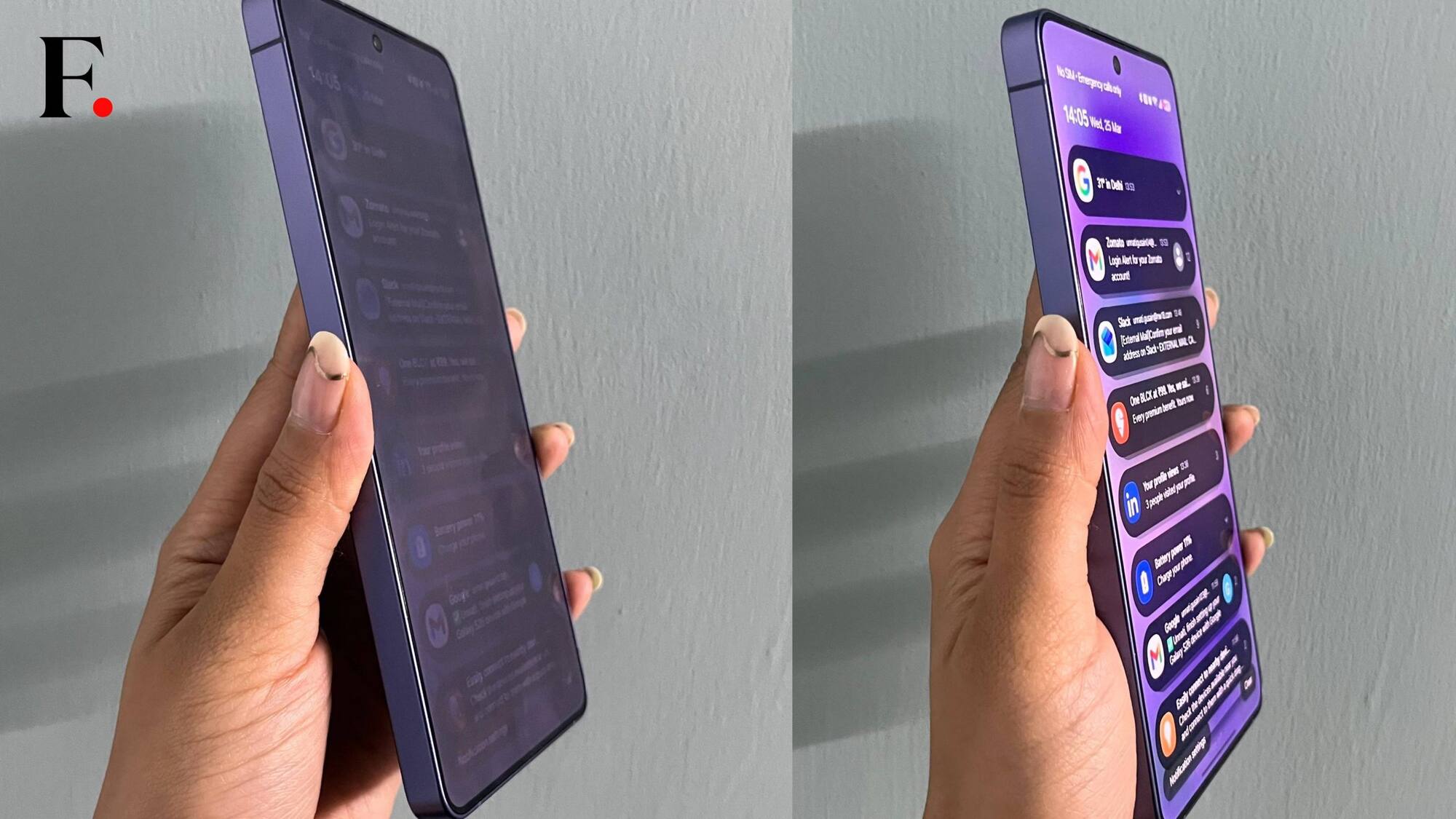
From basic privacy to smart notifications, the Private display has a lot to offer. Enable this feature and you can hide your screen from people on the go, stooping over your device. Here, you might think that it is different from the screen guard, but the privacy display is designed to make it ever better. You can customise conditions that will follow the Privacy display pattern at all times. And you will not have a problem when you want to watch something on your smartphone with your partner. You can simply switch the feature off and the screen will be visible at all angles.
It is just the game of switching on and off the Privacy display feature. While Samsung claims that the smartphone maintains the brightness even when the feature is on, we found that the brightness dims itself as soon as the feature is on. It is not that dim that you cannot use or face difficulty while using the phone, but it is noticeable. Moreover, if you turn on the advanced Privacy display feature, the brightness reduces to a significant level.
Hence, a 10/10 for this update. Even with a slight change in the brightness, I enjoyed the feature a lot. It is practical and not a gimmick at all.
Performance: A powerful multitasker
Samsung S series is known for its smooth and powerful performance and the Galaxy S26 Ultra stands tall to the expectations. The Galaxy S26 Ultra packs a Snapdragon 8 Elite 2 chipset and runs on Android 16, out of the box. The device
Since most of my daily tasks involve working on my phone, I consider myself a medium to heavy smartphone user. From writing, reading, to binge watching Netflix and playing high-intense games, the Galaxy S26 was a delight.
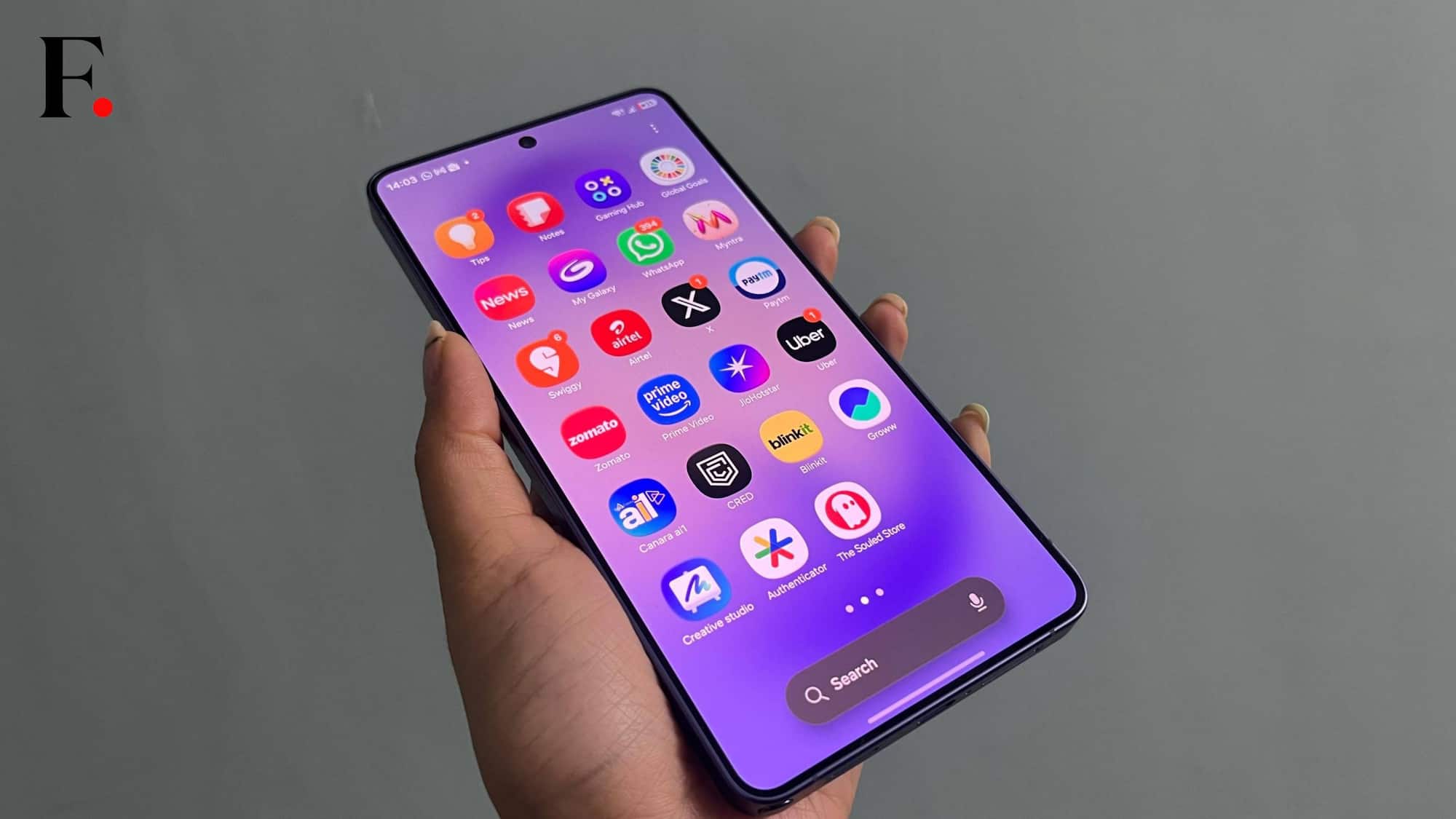
I have been using the device as my primary and there is nothing I would like to change about it. I am impressed with multitasking the most. You can simply divide the screen into two. For instance, I was attending a Google Meet on the device and was researching a news story simultaneously. It was as smooth as butter. During my review time, I have been fangirling about multitasking and the Private Display for most of its time.
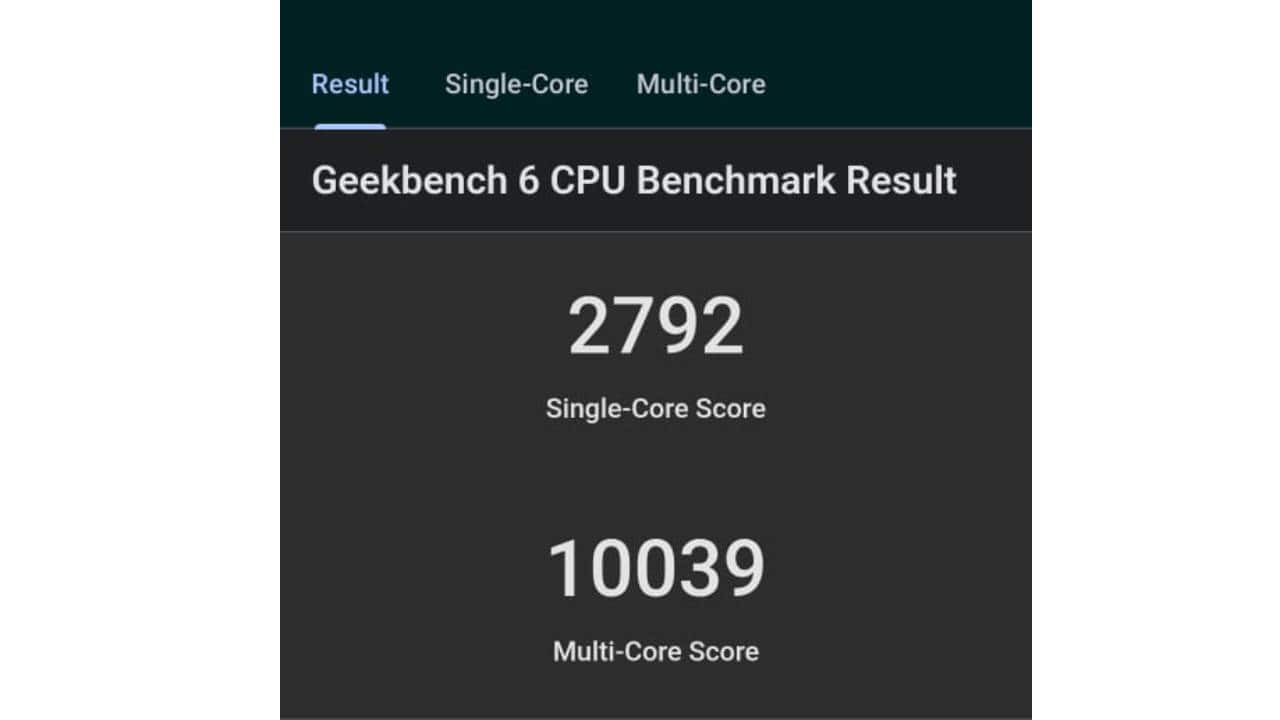
To put it in numbers, we put the device under benchmark tests, and the results came out to be perfectly aligned with the experience. On Geekbench, the phone scored 2792 in single core and 10039 in multi-core.
Other than multitasking, the phone delivered an impressive performance while playing high-intense games. I played Code of duty and Asphalt on the device and it worked like a charm.
The only drawback was that when you overuse the device, the phone heats up a bit. It is not that uncomfortably hot, but the user can easily jot down the difference.
When talking about performance, we cannot leave the AI focus out.
Starting with Bixby, the AI assistant that made a comeback with the Samsung Galaxy S26 Ultra. It is super easy to use and extremely helpful, especially when you are multitasking. I used Bixby to search for anything on my phone, setting up alarms and reminders, and in fact to get to know the phone better. For instance, I wanted to change Bixby’s language, so rather than digging my nose in the phone, I just asked Bixby, “Can I change your language?”
In response, it took me to the page where I can change the language.
Moreover, the smartphone does not only have Bixby as a chatbot. The Galaxy S26 Ultra also integrates third-party AI agents like Google Gemini and Perplexity, giving users the flexibility to choose their preferred assistant. Once configured, you can book a taxi, find a restaurant or summarise a document, all with a single voice prompt. Multi-step tasks? The phone handles those in the background.
Other than Bixby, Now Nudge is also a super productive AI tool. Instead of flooding your screen with notifications, this feature subtly offers context-aware suggestions when you need them most. Think reminders, relevant links or app shortcuts that pop up just when you’re in the zone. Samsung wants users to stay in flow, not lose it, and Now Nudge aims to do just that.
There are several more AI features etched with the Galaxy S26 Ultra. From Call screening to writing assistant and creative studio, every single AI feature helps the device achieve a status of a true AI phone.
Battery: A monster
Under the hood, the Samsung Galaxy S26 Ultra features 5,000mAh battery, with 60W wired and 25W wireless charging speed. The phone easily covers 15-16 hours of run time. This covers my daily tasks, including reading, writing, using social media and more. Even on the days I binge watch a show, the phone acts as a perfect companion that runs for a long period of time without even breaking a sweat.
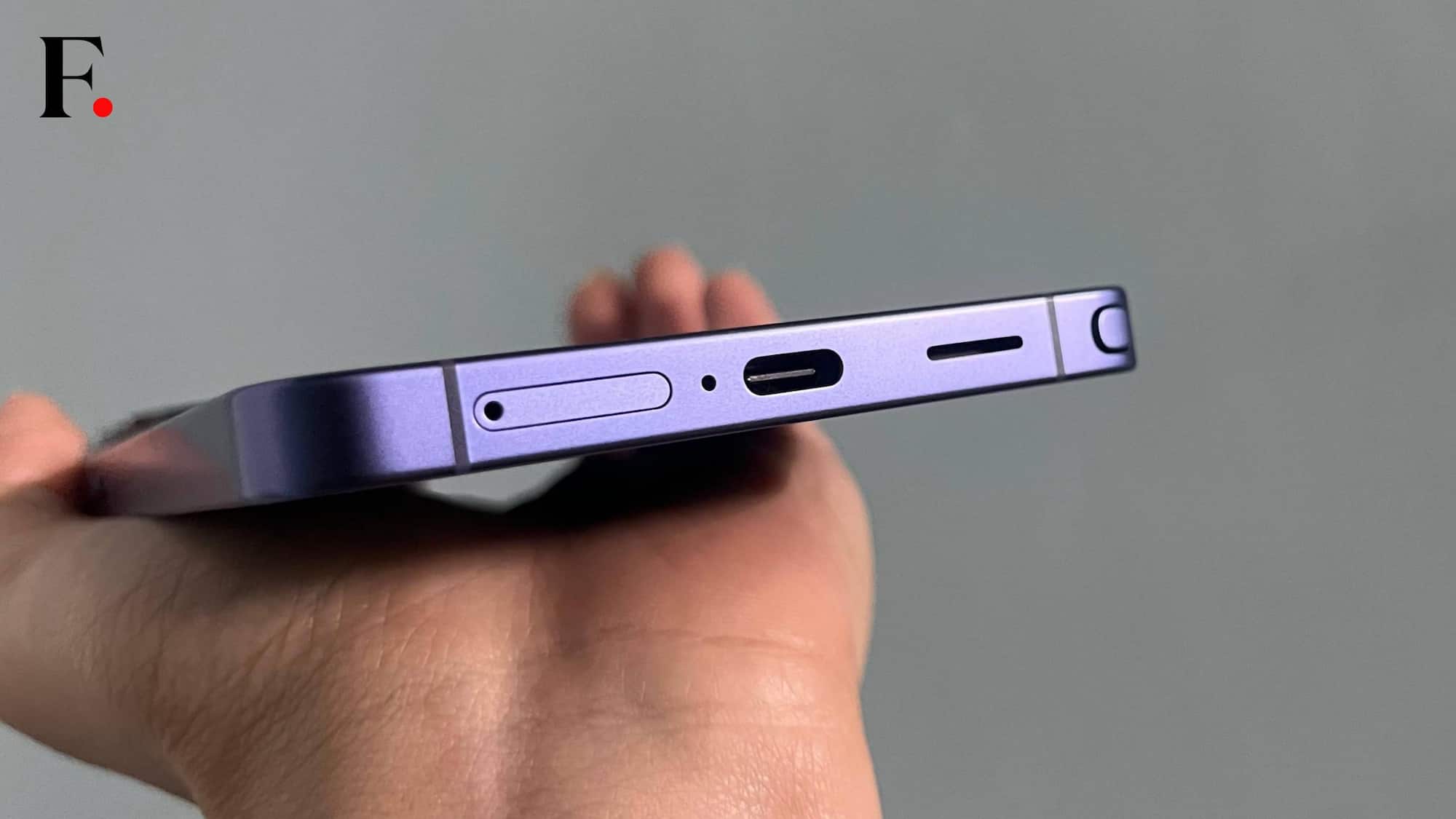
For charging, Samsung does not offer a charging adapter out of the box. Hence, the speed depends on which adapter you are using. I tried fast charging with 100W charging speed, normal chargers and MagSafe wireless chargers. With the fast charging, the Galaxy S26 Ultra takes only 45-50 mins to charge from 0 per cent to 100 per cent. On the other hand, using normal adapters can stretch the time to 1 hour 15 mins as well. Wireless charging is even slower as expected.
While using the phone, I noted that after an hour of gaming or watching a movie, the battery percentage drop was minimal.
Camera: Sharp, vibrant and crisp
Well, if I have to buy a flagship, I look for the camera specs and performance primarily. While we spoke that the Galaxy S26 Ultra is a strong performer, the device's camera is equally impressive. The device features a four-camera system on the rear panel. I tried using every lens and most of the filters provided with the phone, and all images turned out to be detailed and crisp.
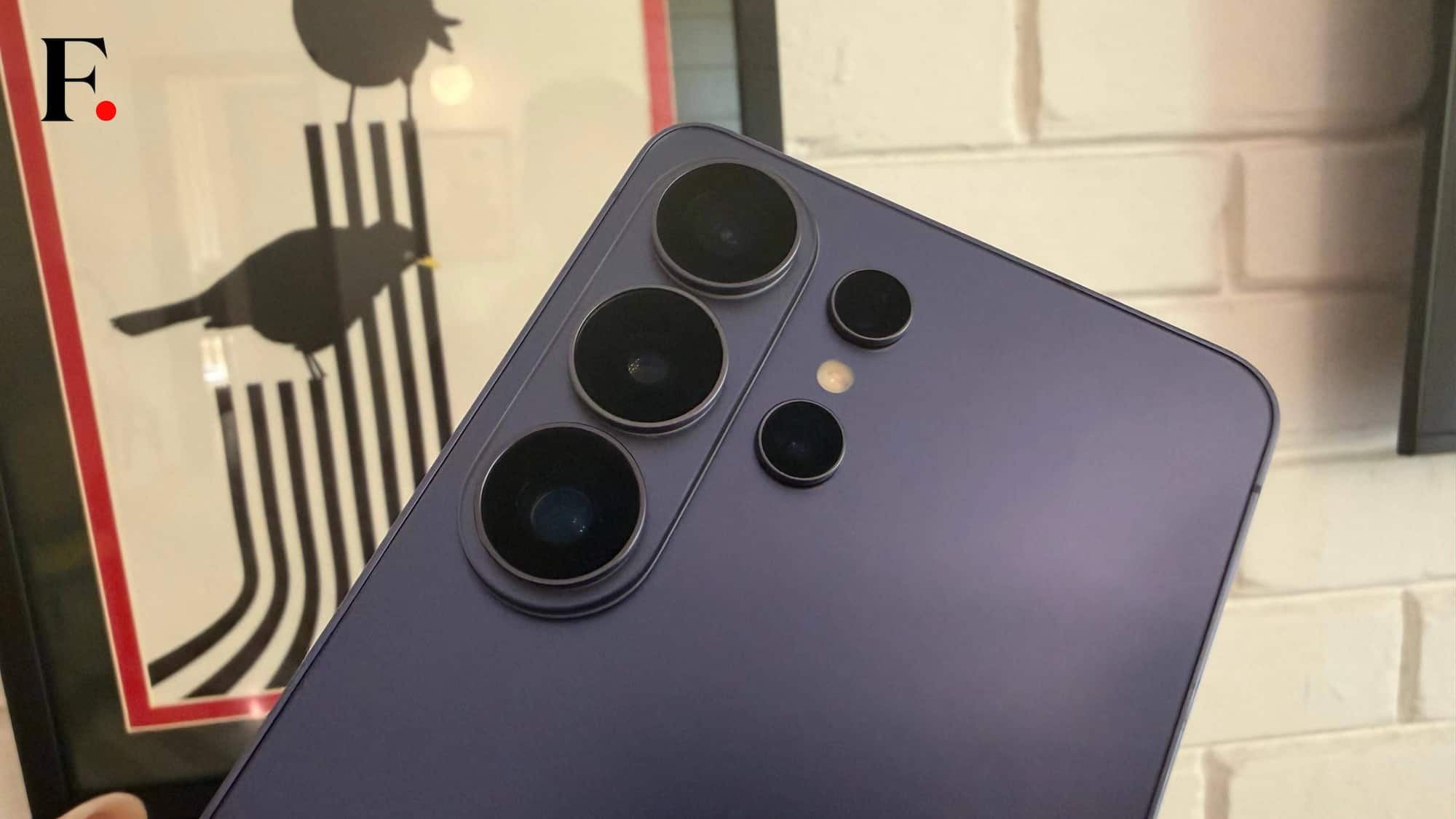
The Galaxy S26 Ultra packs a 200MP primary camera with 50MP ultrawide, 10MP 3x telephoto (OIS), 50MP 5x periscope (OIS), and up to 100x Space Zoom.
Over my one-month review period, the Samsung Galaxy S26 Ultra had made me quite popular among my mates, all thanks to the pretty pictures I clicked. Yes, most of these peers are loyal to iPhones. Here are a few images clicked by the Galaxy S26 Ultra.
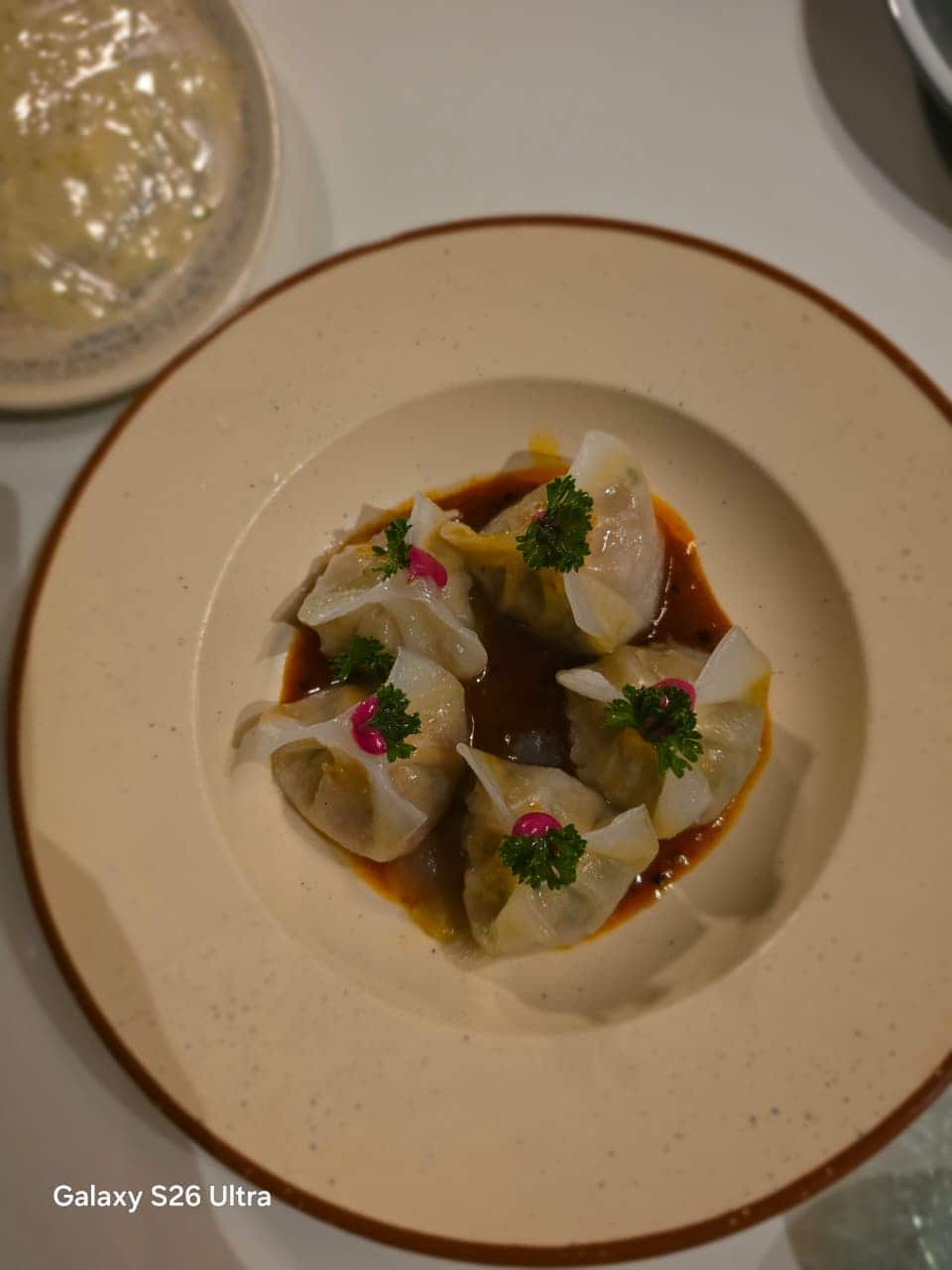
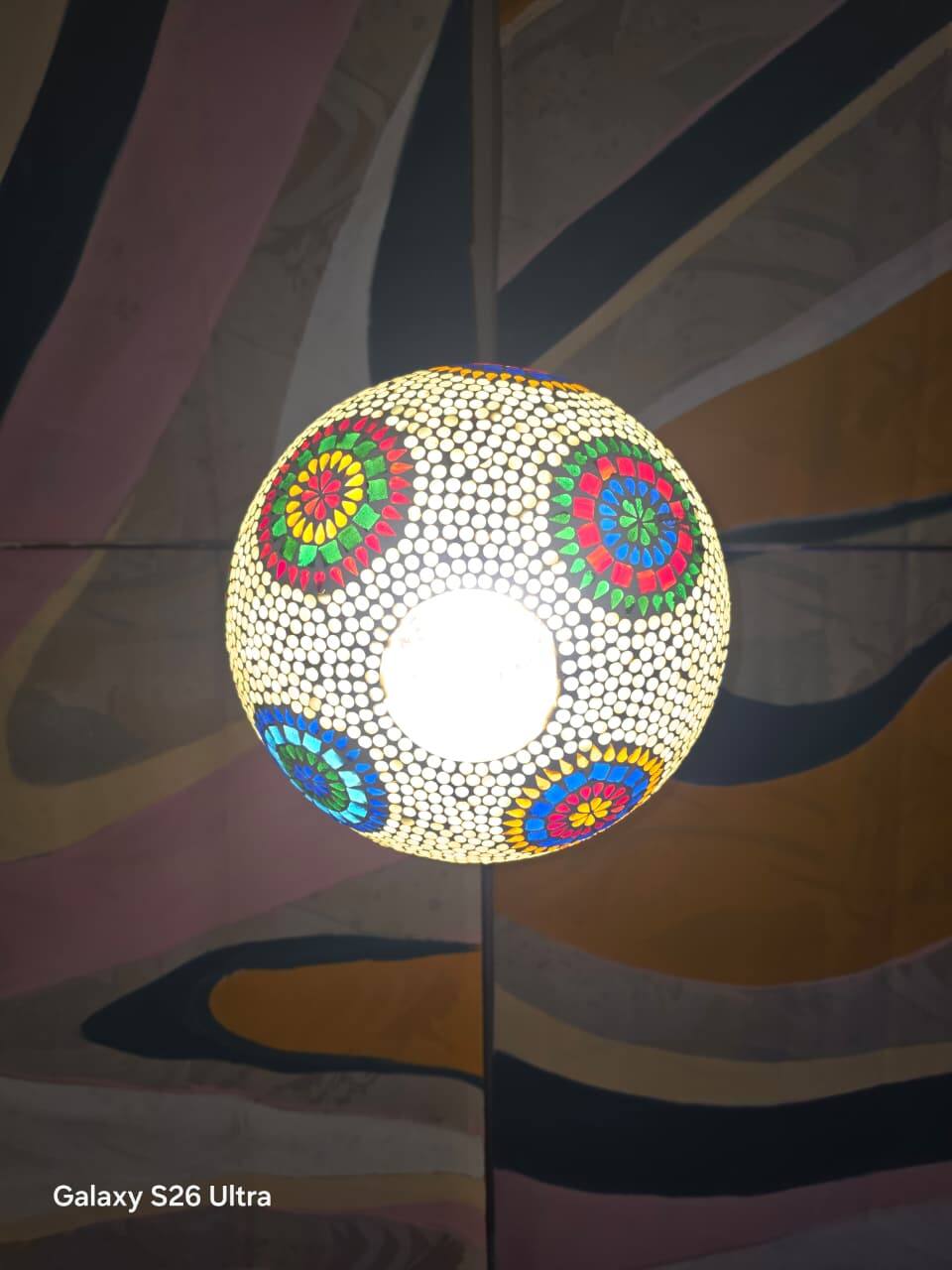
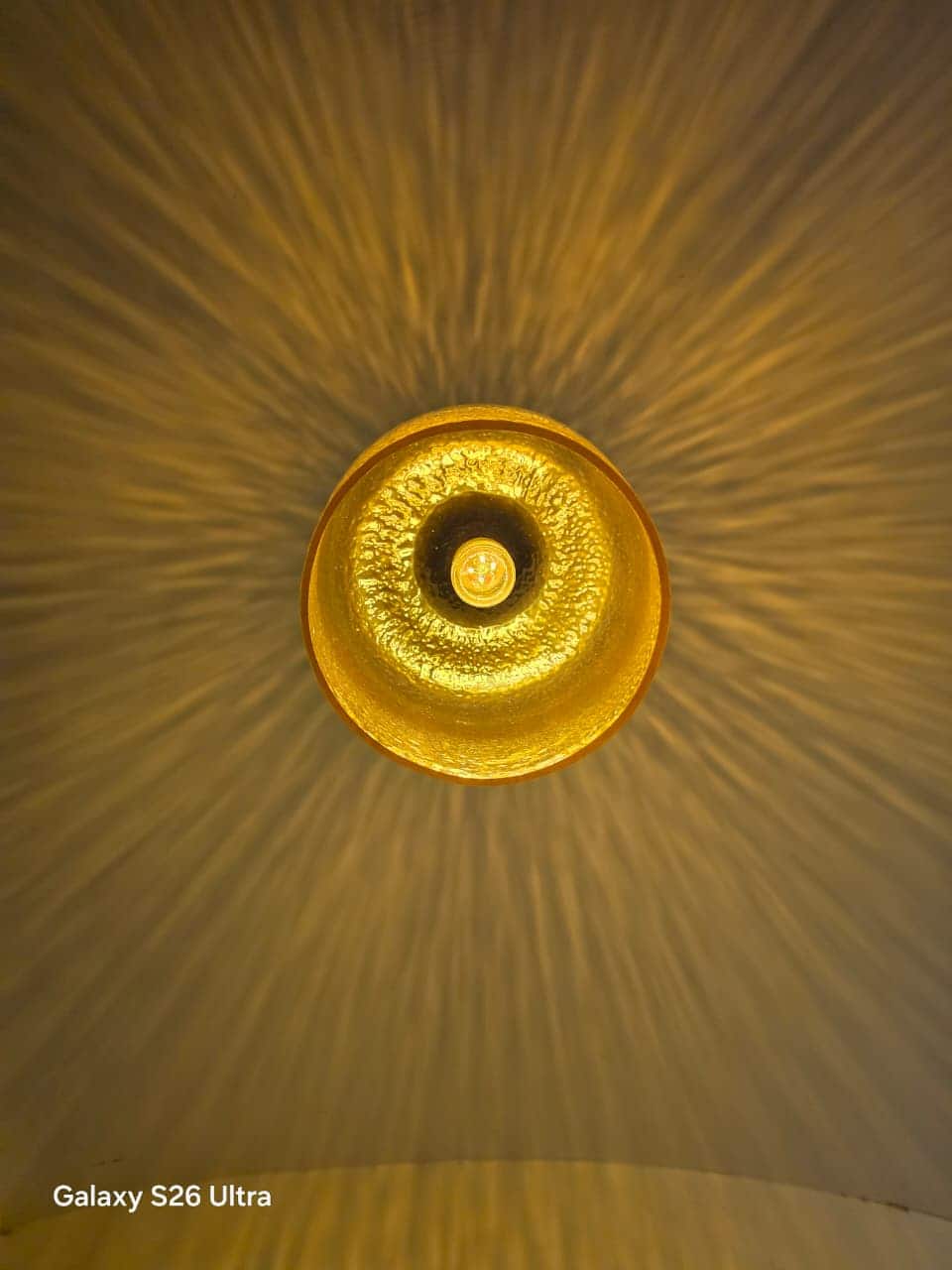
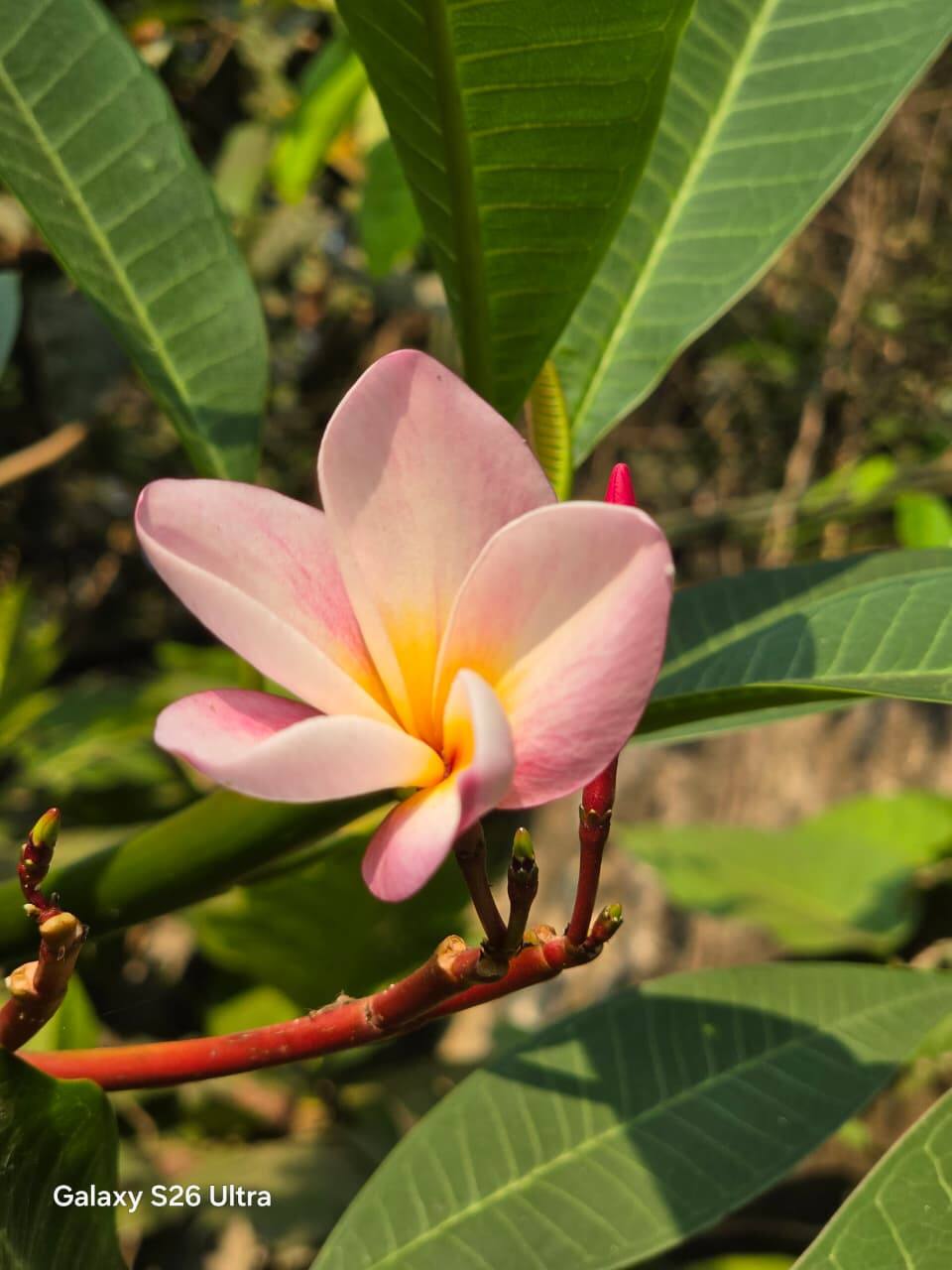
The primary camera clicks clear and crisp images. The more interesting part was while my friends were struggling to click a good picture, the Galaxy S26 Ultra clicked bright images even in a low-light environment.
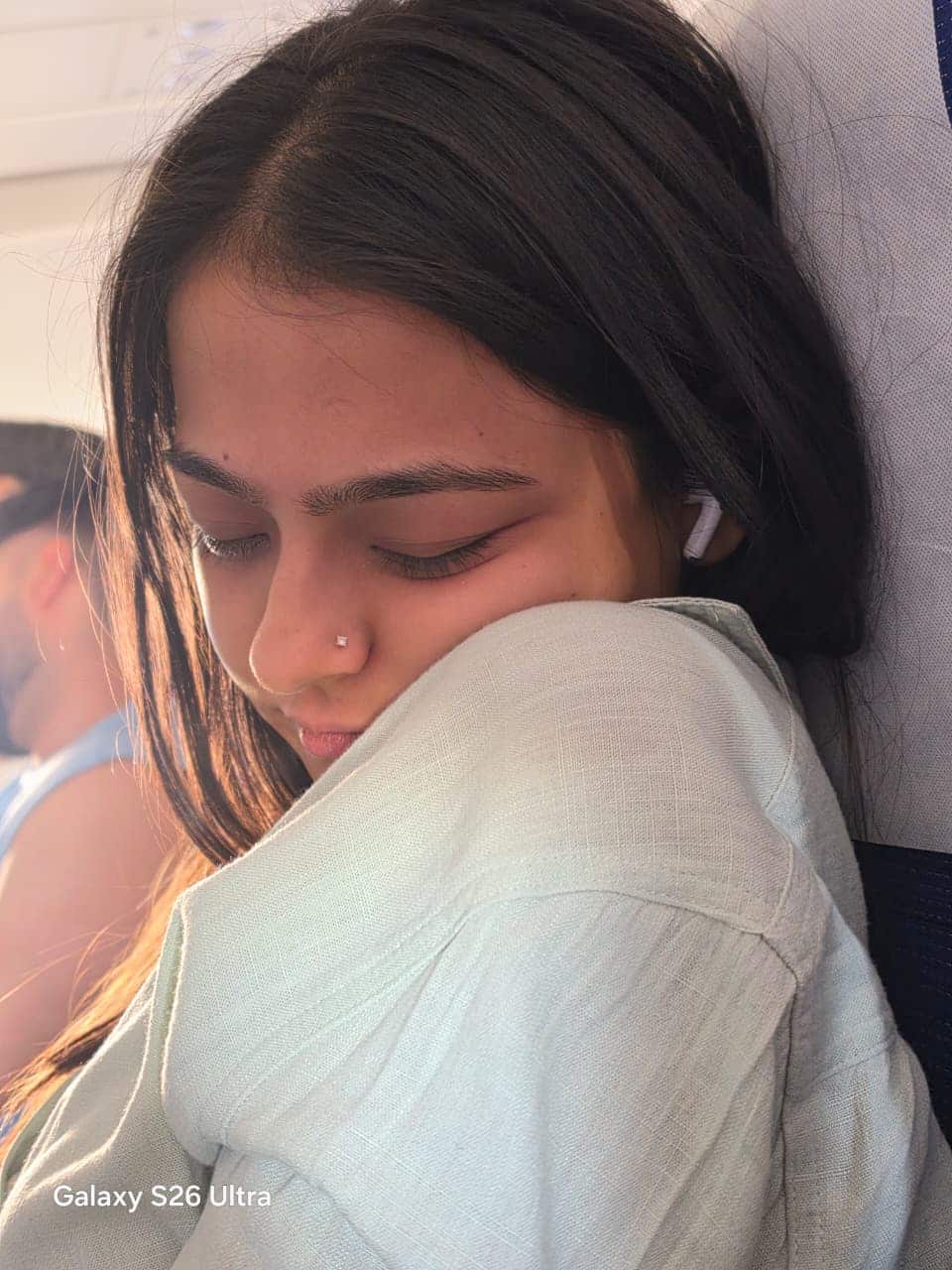


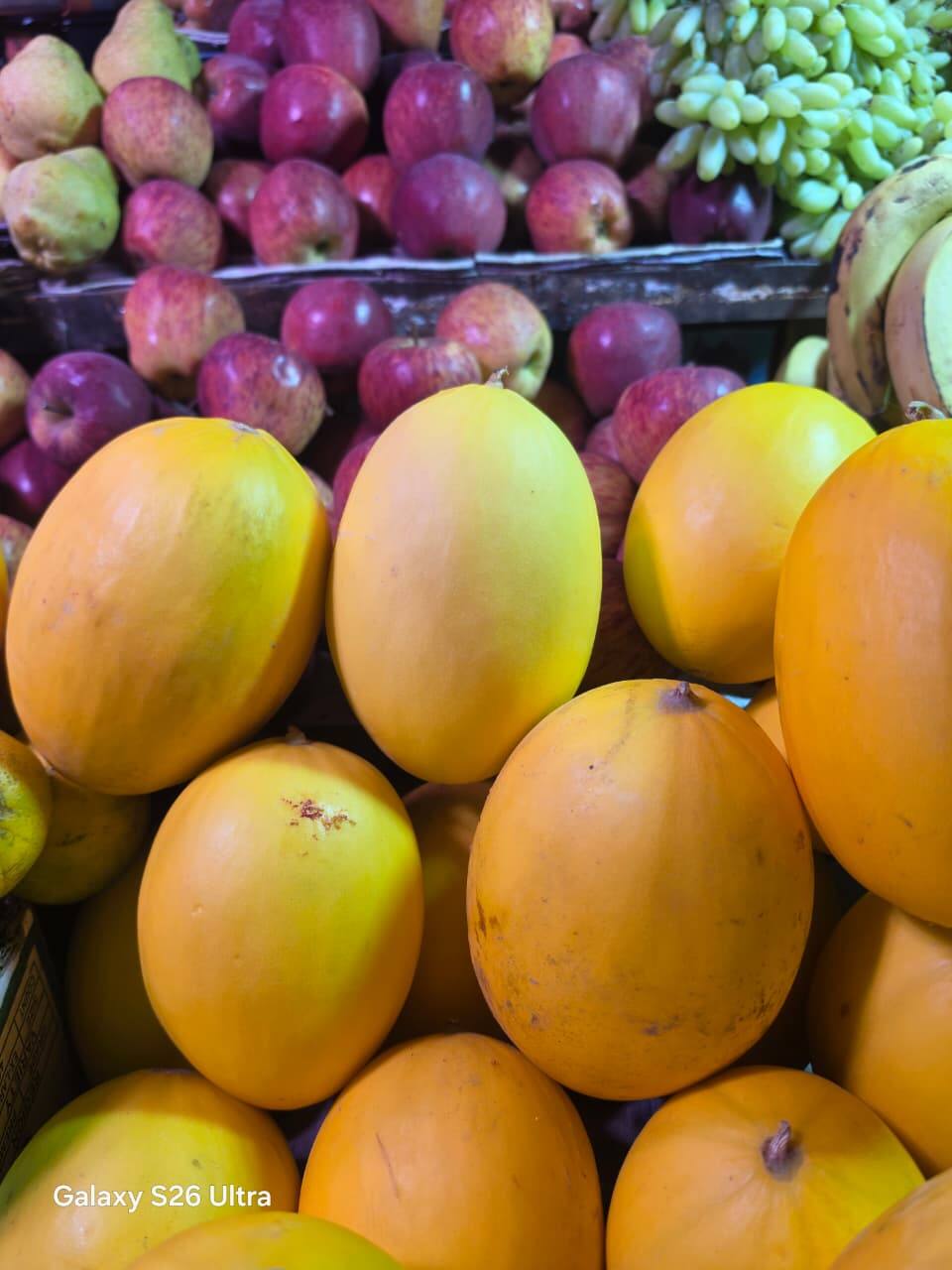
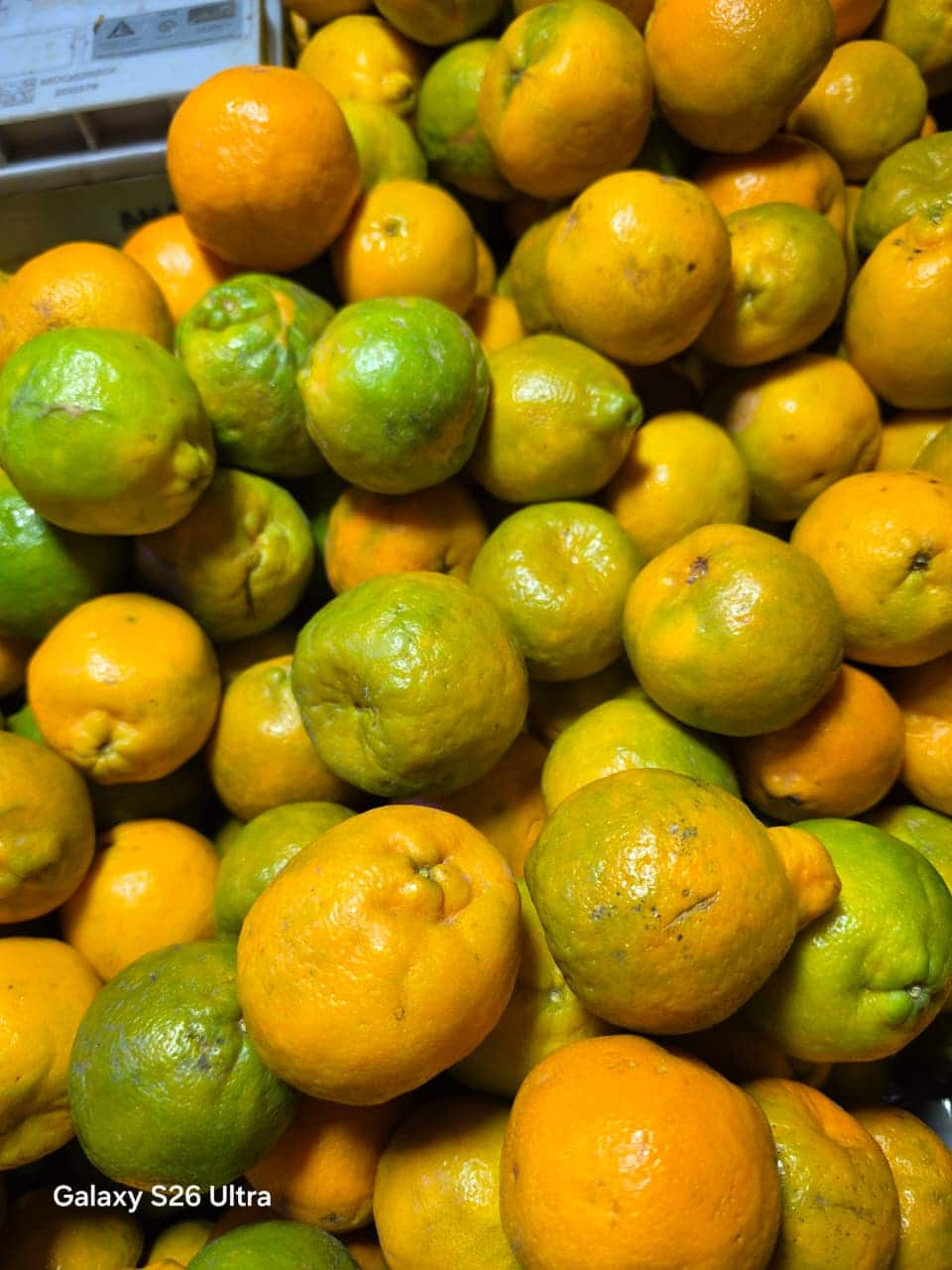
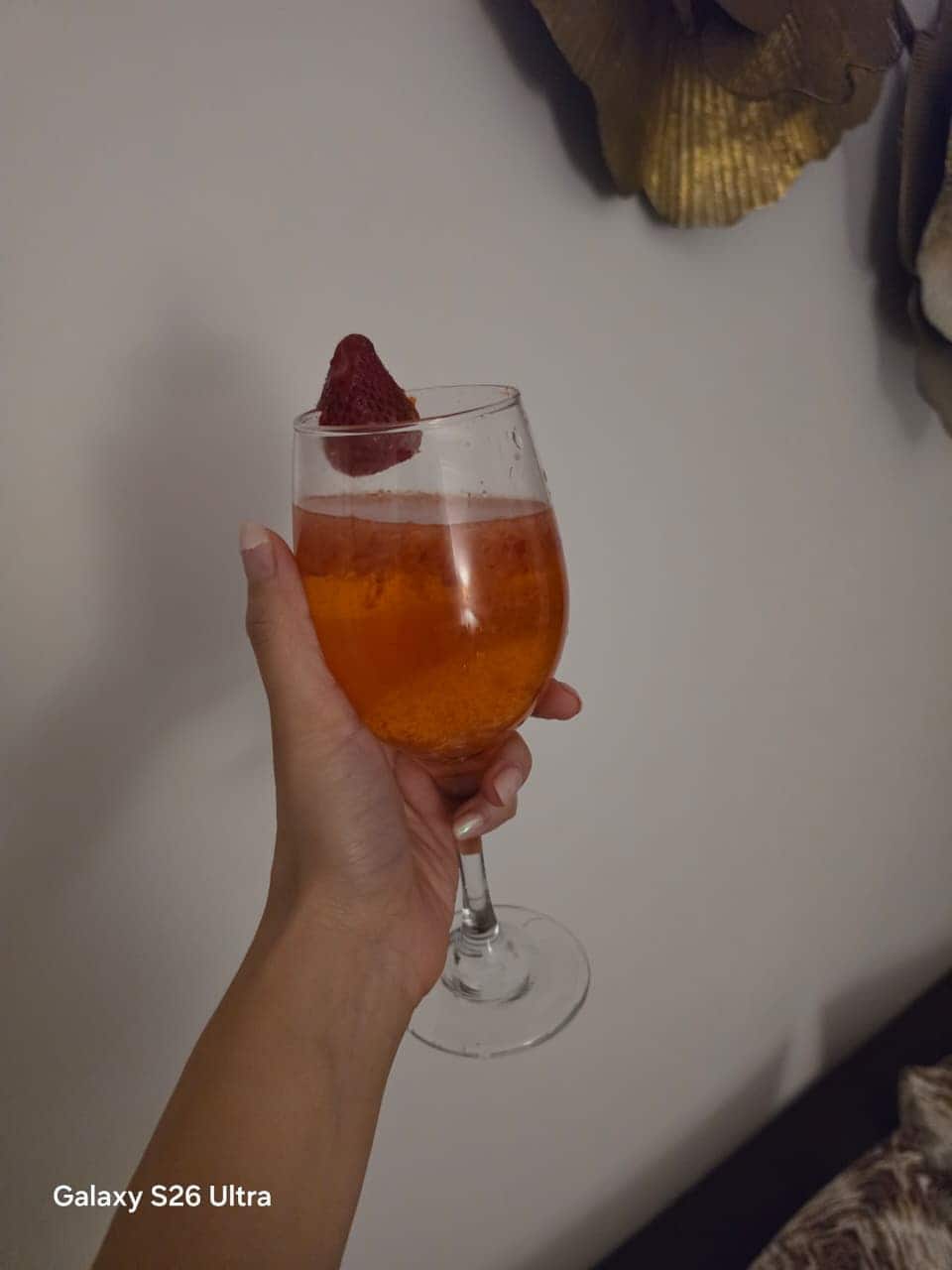

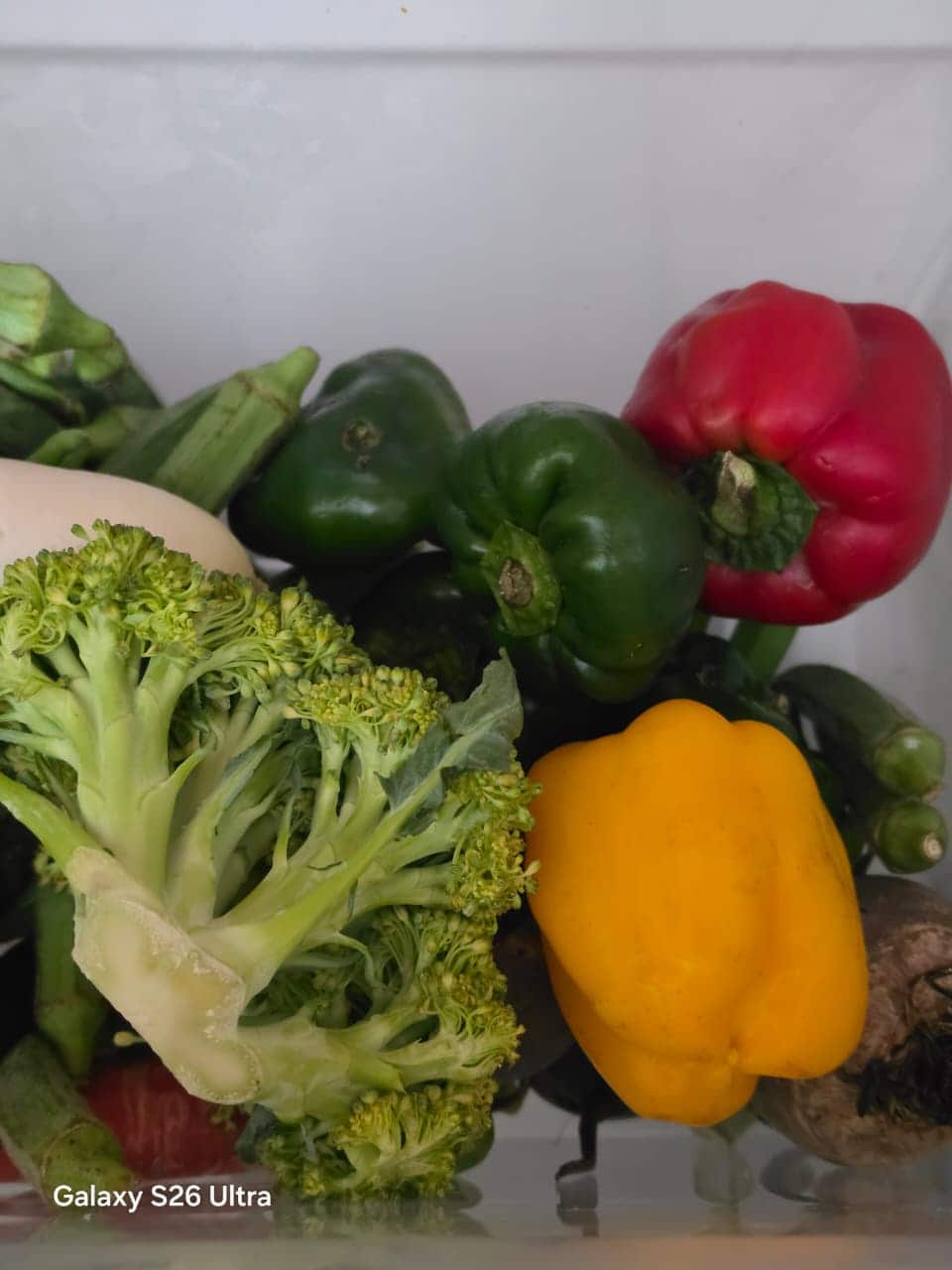
The portrait shots stood tall to the expectations with clear edge detection. And the phone captured colours true to their natural self.
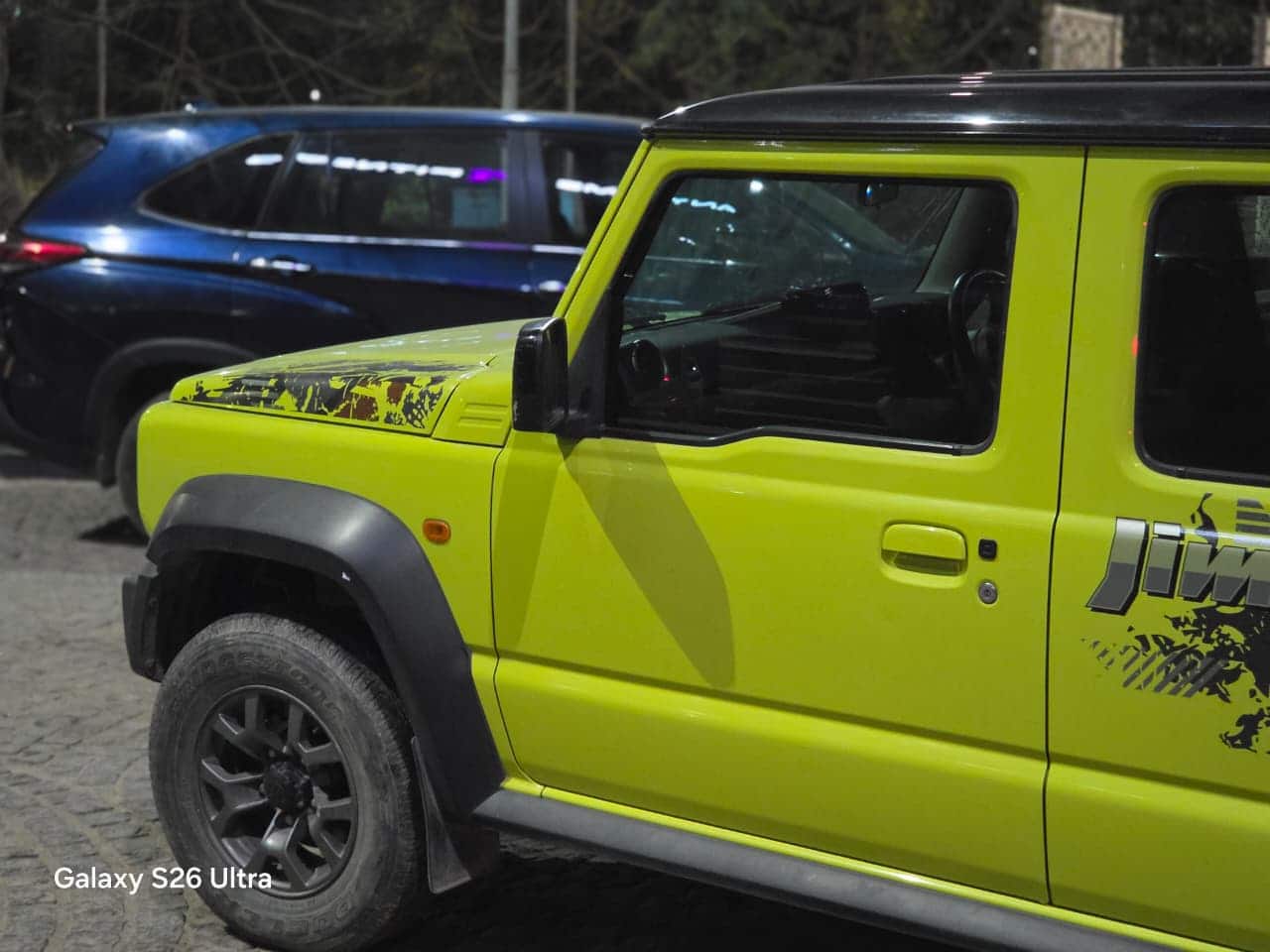
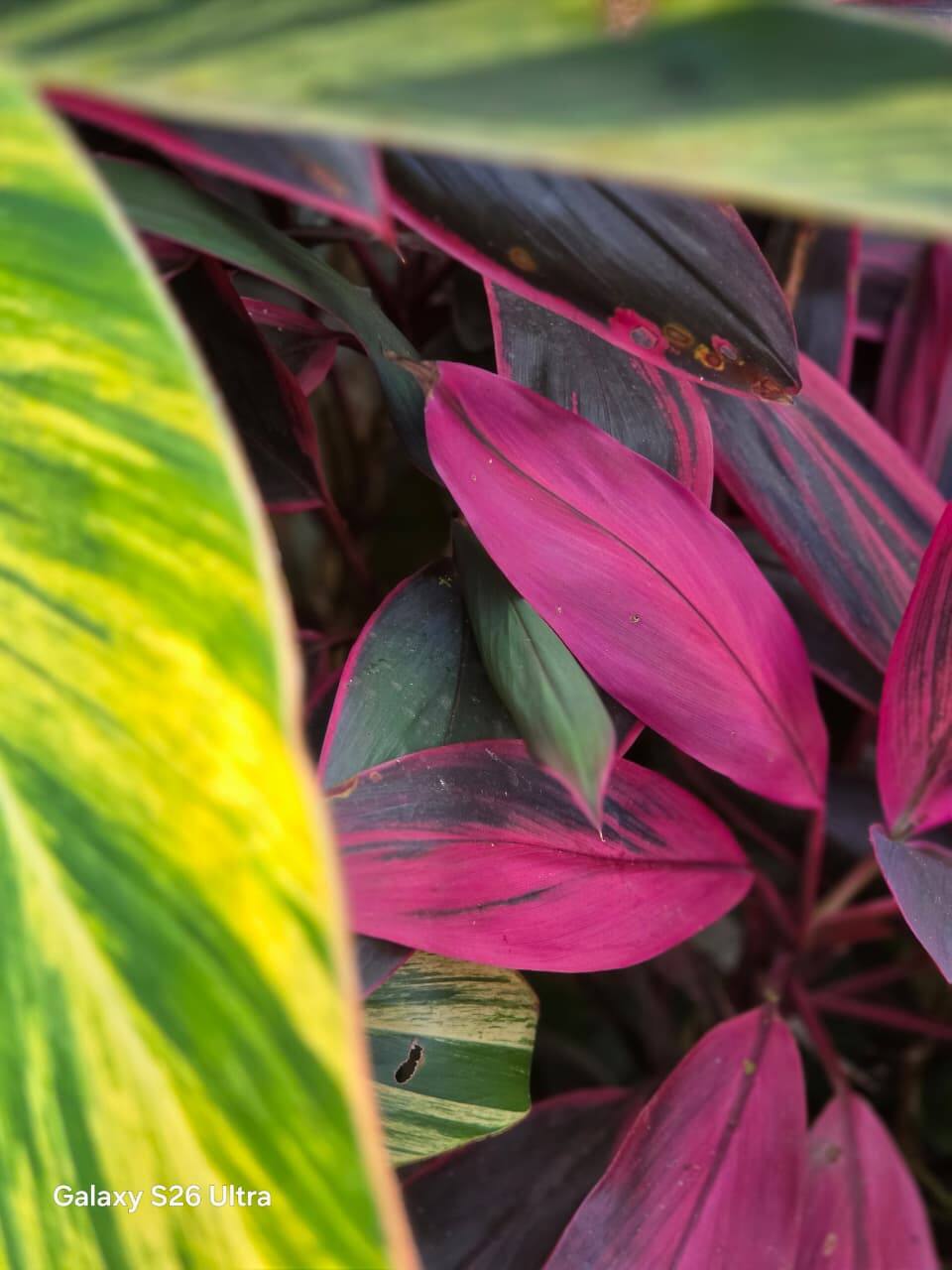

On the front, the phone brings a 12MP selfie camera.
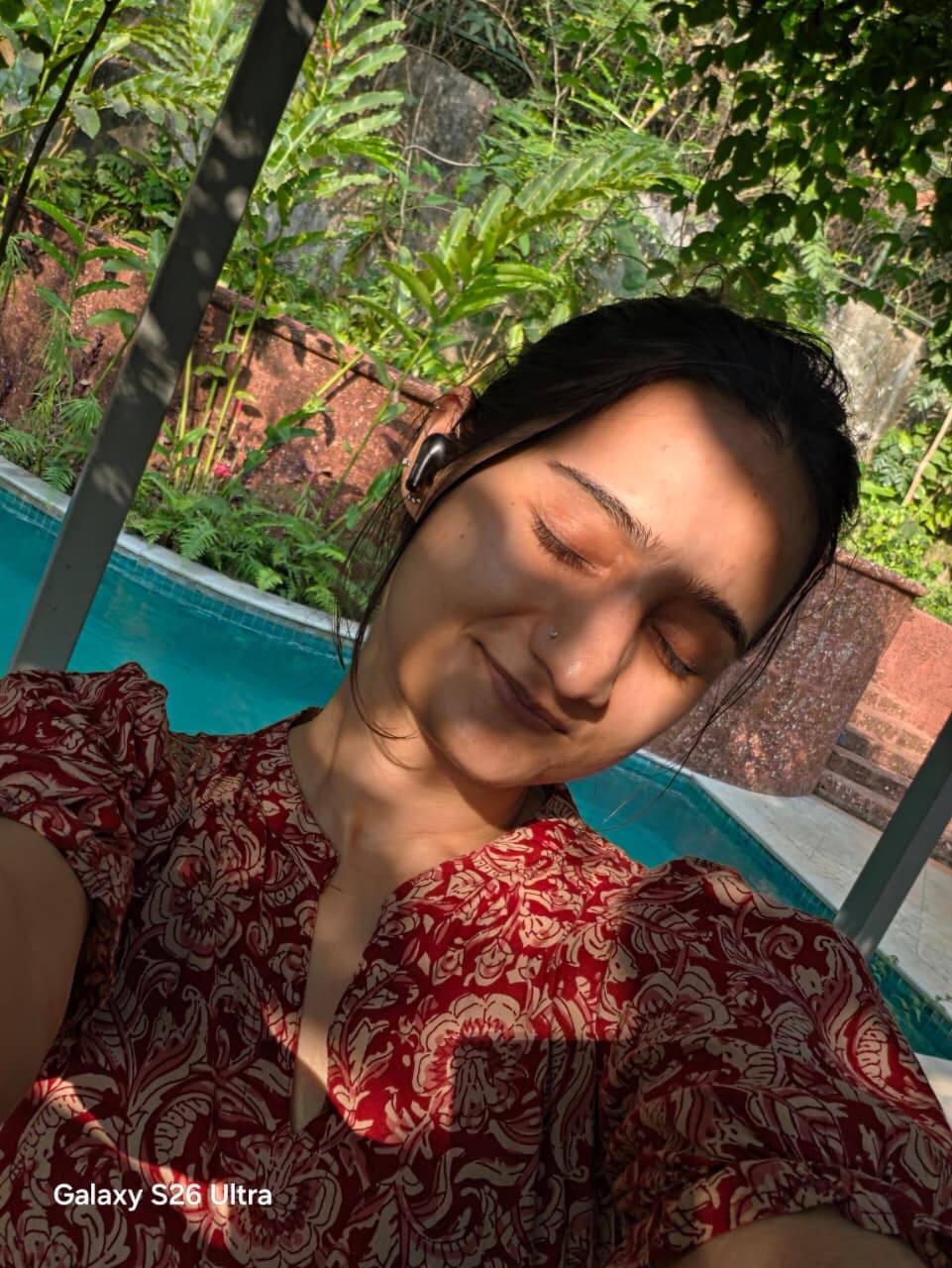
The best part: the Galaxy S26 Ultra expands its AI features in the camera. Say goodbye to unwanted photobombers or poorly framed shots. With Photo Assist, users can regenerate images or remove distracting elements with a simple prompt, no pro-level editing skills required.
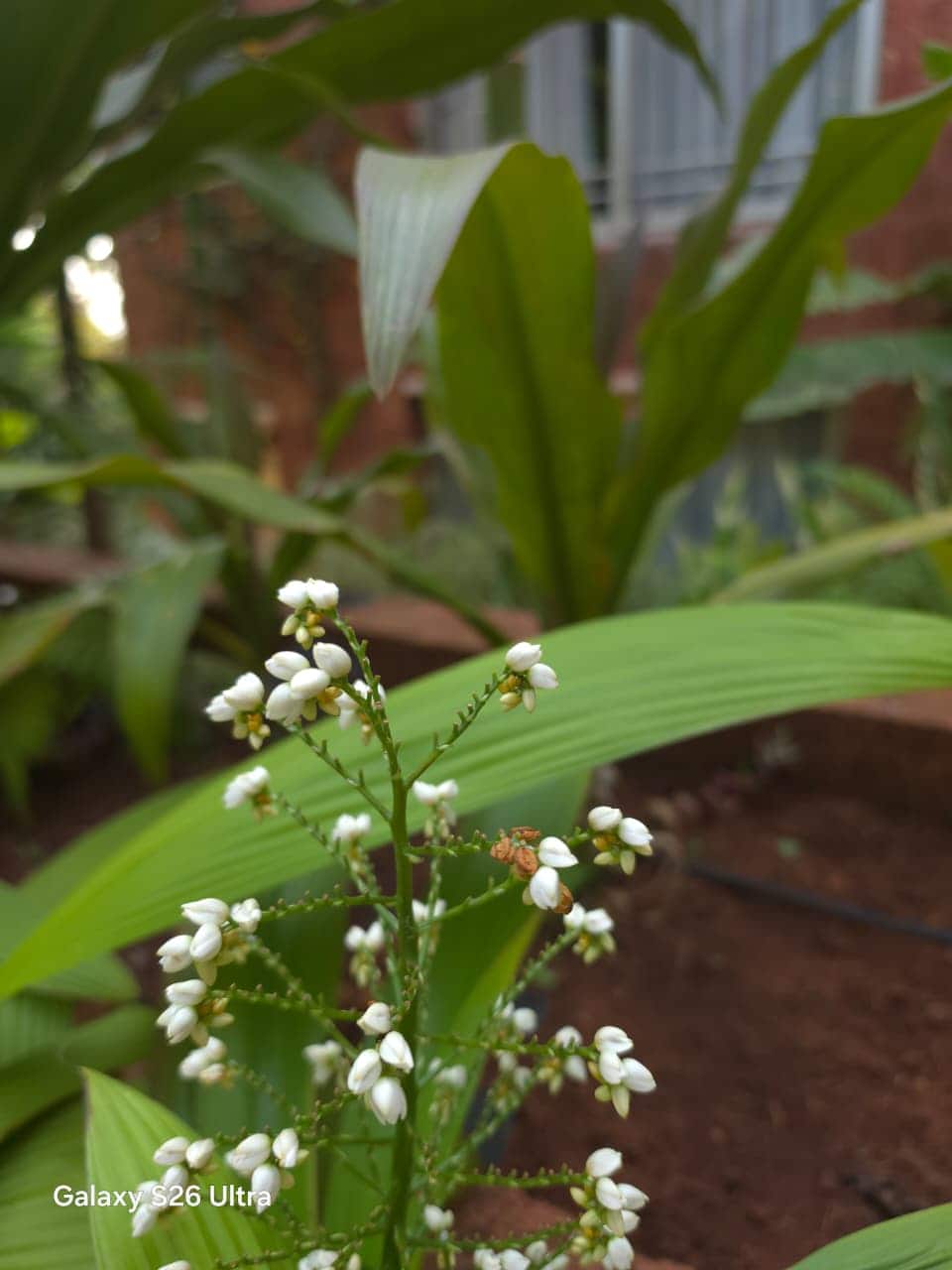
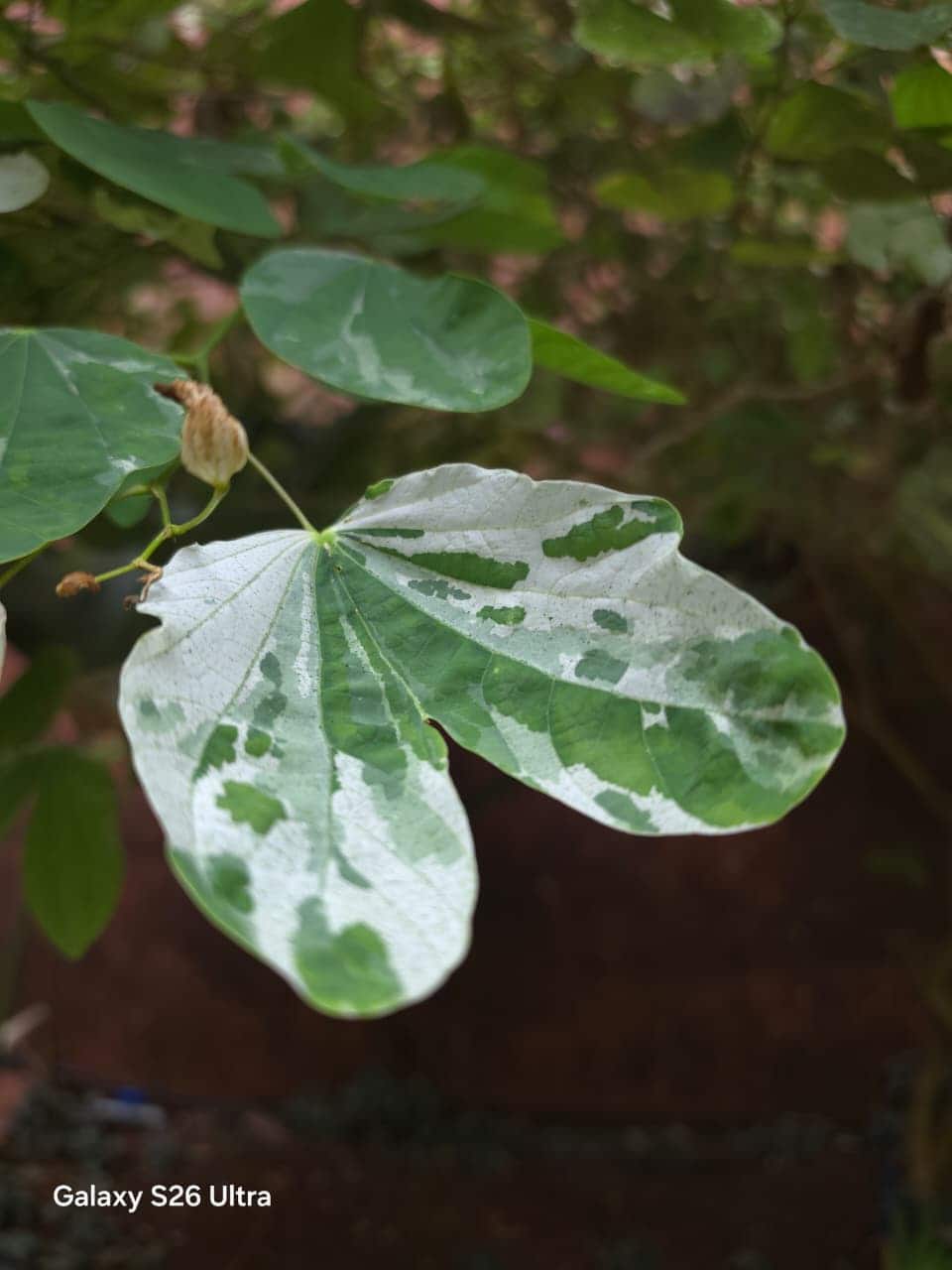
The AI understands the scene, fills in missing details intelligently, and makes your photos look like they were taken by someone with a keen eye for composition. It’s not just cleanup, either. The feature can also enhance lighting and adjust perspective to bring out the best in every image, all while keeping things quick and intuitive.
The video capabilities are also as clear and stable as claimed by the company.
Samsung Galaxy S26 Ultra review: Is it worth it?
Yes, if you want it all. The Galaxy S26 Ultra nails the fundamentals and goes a step further with meaningful AI features. It is powerful, reliable, and built for heavy users.
It is not perfect. It heats up slightly and skips the charger in the box. But these are minor trade-offs in an otherwise complete package.
If budget is not a concern, this is one of the most well-rounded Android flagships you can buy right now.
Unnati is a tech journalist with almost half a decade of experience. She has a keen interest to cull out unique story angle. She reviews the latest consumer and lifestyle gadgets, along with covering pop culture and social media news. When away from the keyboard, you might find her reading a fiction, at the gym or drinking coffee.

Samsung Galaxy Fold 8 quick review: The new entry
Pova 8 review: Big battery, bold design—but is it worth the price?
Nothing Phone (4b) first impression: A unique design, bold specs and a question to ponder
Oppo Find X9s Review: A little less powerful but equally capable alternative to the Find X9
Samsung Galaxy A27 5G First Impressions: A budget phone with high-end potential