


Amazon Fire TV stick users can now converse with Alexa in Hindi: How to switch the device language
Users who choose Hindi as their device language will also see Fire TV rows and menus in Hindi.

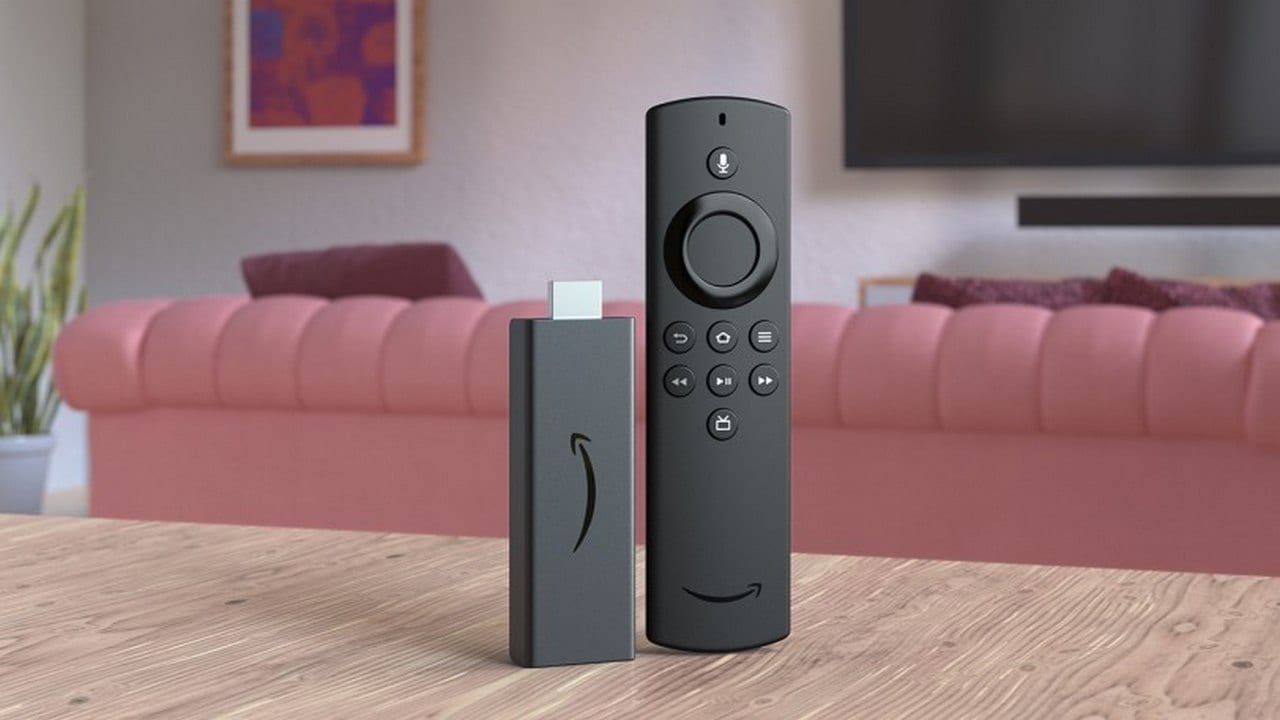
Fire TV stick[/caption]
Here's how to switch to Hindi through Alexa Voice Remote
Customers can switch to Hindi through Alexa Voice Remote by navigating to the Fire TV language settings by clicking Settings followed by Device Options and Device Language.New customers can select Hindi while setting up their device right out of the box.The update enables Alexa on Fire TV to understand customers speaking to her completely in Hindi.Furthermore, Amazon is expanding Alexa Routines by making it available on Fire TV devices in India from today as well. It is a feature designed to make customers' day-to-day lives easier by bundling Alexa and smart home features together.Customers can use the Alexa app and set up Routines selecting actions such as powering their TV on or off, opening a specific app, playing specific content or even pausing or resuming content. They can also make use of it to turn off the smart light or resume playing content.

Why AI notetakers are raising serious privacy and security concerns
China's low-cost AI models are changing the global AI race. Here's why Silicon Valley is worried
China's Kimi K3 challenges US AI leaders with frontier-level performance at lower cost
How did Instagram run ads promoting child abuse in India?
Why has India halted WhatsApp’s username feature before launch?