


Want to use 5G on your phone? Check if your device is compatible, how to activate network
If 5G is listed under the network type, then it means that your phone is compatible with 5G.

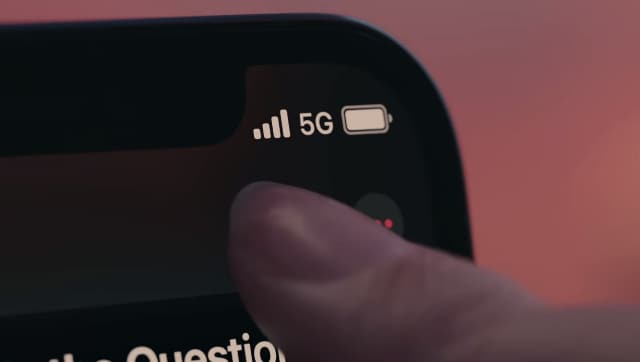
In order to experience 5G, you will need a phone which is compatible with the 5G network. Many phone manufacturing companies have been releasing 5G phones for about two years now. Furthermore, Bharti Enterprises chairman Sunil Mittal has stated that Airtel’s 5G service will be launched in eight cities- including New Delhi, Mumbai, Varanasi, and Bengaluru. Now with all the excitement around 5G, are what steps you need to do in order to activate 5G on your phone:How to know if your phone is compatible with 5G?If you are an Android user, you can check if your device supports 5G by following some simple steps. Go to your phone settings, and then choose the “Wi-Fi & Network” section. Post that, tap on “SIM & Network”, then visit the “Preferred Network Type” section. You will be able to see all the mobile network technologies supported like 2G, 3G, 4G, and 5G. If 5G is listed under the network type, then it means that your phone is compatible with 5G. Some of the android phones that support 5G are OPPO Reno5 Pro 5G, OnePlus 8T, Vivo V20 Pro, and Xiaomi Mi 10i.For iOS users, go to Settings, then tap on the “Cellular” section. Now, go to “Cellular Data Options”. You will be able to see if 5G is available on your device or not. If 5G is not available, then contact your carrier to confirm if your plan supports 5G. All the iPhone 12 and later models are compatible with 5G.How to activate 5G on your device?Step 1: Open up the settings app of your smartphone.Step 2: Tap on the connections or mobile network option.Step 3: Tap on the network mode, then select the 5G/4G/3G/2G option.Once you have set the network mode to 5G, your device will begin to show the 5G logo at the top if you are in a 5G-enabled location.

China’s gaming crackdown causes top 3 companies $80 bn market value loss, Tencent alone sheds $50 bn
What is Lensa AI and how to use the app to generate AI avatars?
What is Bluebugging and how do hackers use it? Learn how to secure your devices
WhatsApp to roll out ‘Message Yourself’ feature for Android and iOS users; check how you can access it
Astronomy watch face on Apple Watch enables exciting view of Solar System; check features here