


UPI Lite enables low-value payments without pin or internet; know all about it
NPCI on Tuesday launched the feature of UPI Lite for easy small-value transactions on its BHIM App.

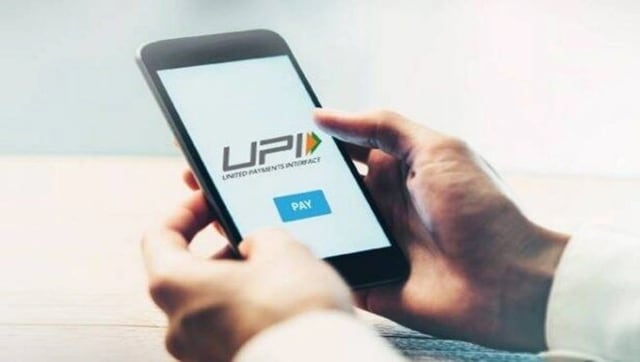
Notably, it is a feature developed by the NPCI to make small-value transactions easier by creating a local wallet on the user's device which will not require any UPI PIN for making payments. This came days after NPCI had announced a Lite version of UPI.With the launch of UPI Lite, while it is presently enabled for users on the BHIM app, the feature will be soon available to other popular UPI platforms like PhonePe, Google Pay, and Paytm.To know more about the concept of UPI Lite and how it functions, read further for details.What is UPI Lite?A feature that creates a local wallet on one's smartphone, which helps to add funds from your primary savings account for miscellaneous small transactions. Being an 'on-device' wallet, it won't need the internet for making transactions.While there is a limit on the amount for transactions on the wallet, one can use UPI Lite for making payments with a value of less than Rs 200. That being said, the maximum balance for the wallet is Rs 2,000. Apart from that, transactions made from UPI Lite will also not require UPI PIN, making it convenient for quick payments.In the meantime, while the wallet presently only allows the amount to be debited, all the credits including refunds will be deposited directly into your primary account. While all major banks including State Bank of India, HDFC Bank, Punjab National Bank, Kotak Mahindra Bank, Union Bank of India, Indian Bank, and Utkarsh Small Finance Bank are live with the feature, more banks are expected to identify it in the future.How to use UPI Lite?Now that we know about UPI LITE, here’s how you can use it on your smartphone.Firstly, download the latest version of NPCI's BHIM App from the Google Play Store or the Apple App Store.Login and set up your BHIM App with your UPI-enabled bank account.On the home screen, find the UPI Lite option and tap to enable it.Next, go through the displayed information and details and agree to the terms and conditions.Finally, click on the 'Enable Now' option.Also, select the bank account for funding the wallet as and when required.Add money to the wallet. The setup is finally complete.

China’s gaming crackdown causes top 3 companies $80 bn market value loss, Tencent alone sheds $50 bn
What is Lensa AI and how to use the app to generate AI avatars?
What is Bluebugging and how do hackers use it? Learn how to secure your devices
WhatsApp to roll out ‘Message Yourself’ feature for Android and iOS users; check how you can access it
Astronomy watch face on Apple Watch enables exciting view of Solar System; check features here