


Scared about your privacy? Here's how to turn off precise location feature in iPhones
Using this step-by-step process, you can switch off precise location for third-party apps like Twitter, Facebook and more.

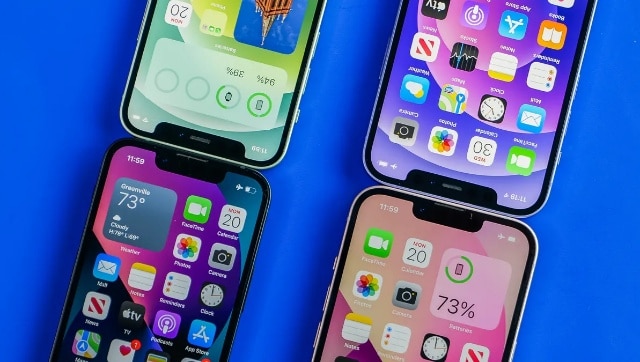
However, too many apps with access to your personal location can also be a source of concern. If you are an iPhone user, you can protect your privacy by denying access to many of these apps. Apple’s iOS 15 allows you to switch off the precise location setting on your iPhone for different apps. So, if you are concerned about your privacy, you can follow this step-by-step process to turn off precise location setting for third-party apps on your iPhone:Step 1: Go to the Settings app.Step 2: Select Location Services and scroll down to find the app you want to deny location access to.Step 3: Choose the app. You will get three options:― “Never”: It prevents the app from accessing Location Information.― “Ask Next Time”: It means the app will ask for permission to track your location the next time you open it.― “While using the app”: This allows access to your location only if the app or any of its features is visible on screen.― “Always”: The app will have access to your location data all the time.Step 4: Choose the setting you want and tap on it.Step 5: To turn off precise location on your iPhone, choose the “Precise Location” toggle and switch it off.With this process, you can switch off the precise location for third-party apps like Twitter, Facebook and more. But do keep in mind that apps like Google Maps may not function properly if you withdraw consent to use your location.For Android phones, a similar process can be followed to turn off access to your location.

China’s gaming crackdown causes top 3 companies $80 bn market value loss, Tencent alone sheds $50 bn
What is Lensa AI and how to use the app to generate AI avatars?
What is Bluebugging and how do hackers use it? Learn how to secure your devices
WhatsApp to roll out ‘Message Yourself’ feature for Android and iOS users; check how you can access it
Astronomy watch face on Apple Watch enables exciting view of Solar System; check features here