


Mumbai Rains: Facebook activates its Safety Check feature amid heavy rainfall
The Facebook users present in the affected area can mark themselves as "safe" to inform people that they are okay.

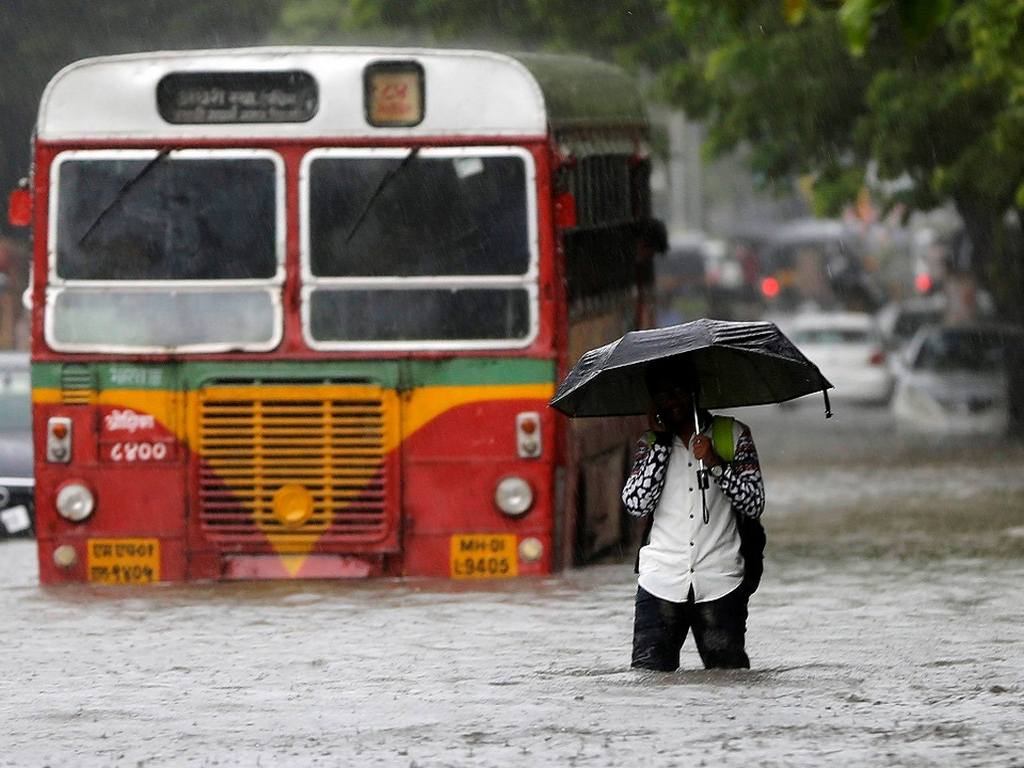
Representational image. REUTERS/Shailesh Andrade TPX IMAGES OF THE DAY - S1BETTRHAEAA[/caption]
How to use Safety Check feature
All Facebook users in the affected area will receive a notification from the Safety Check feature.If you want to mark yourself, then you tap on the notification, and as soon as you do that, people in your friend list will get a notification informing that you are safe. Users who mark themselves safe will also be able to see who all nearby friends are okay in the Crises Response page.You will find out that the friends must have given the answers like "Marked Safe" or "Doesn't Apply". You can even ask friends on your friends list if they are okay by tapping on "Ask if Safe" in front of their name. It is important to note that you can only know all this information about a person if they are a part of your Facebook friend list.

Why AI notetakers are raising serious privacy and security concerns
China's low-cost AI models are changing the global AI race. Here's why Silicon Valley is worried
China's Kimi K3 challenges US AI leaders with frontier-level performance at lower cost
How did Instagram run ads promoting child abuse in India?
Why has India halted WhatsApp’s username feature before launch?