


Google Duo now supports picture-in-picture modes on Android 8.0 Oreo
To use PiP with Duo, all you need is a device running the latest version of Android Oreo and an updated Duo app.

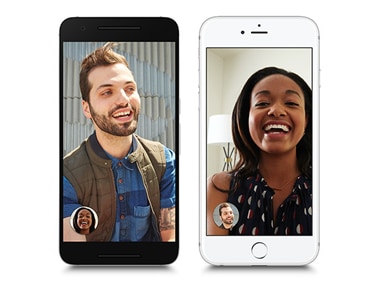
Google Duo[/caption]With PiP, you essentially get a small pop-out window that you can place in a corner of your device’s screen. Since Duo is a communication tool, PiP support means that you can now continue to have a conversation with whoever you were having a conversation with while freely using your phone.To use PiP with Duo, all you need is a device running the latest version of Android Oreo and an updated Duo app. As Android Central notes, once PiP is enabled, you’ll get a floating PiP window that you can place in any corner of your device. To enable, you simply press the home button.Apple device users, unfortunately, cannot take advantage of this feature. If you’re on an iPad, you might still be able to get away with this owing to the new multi-tasking features introduced in iOS 11.Released in August last year, Duo is designed to be a simple and accessible video chat client. Unlike other video calling services, only your phone number is needed to start using the service. No more forgotten passwords!Google Duo for Android is available on the Google Play Store.

Why AI notetakers are raising serious privacy and security concerns
China's low-cost AI models are changing the global AI race. Here's why Silicon Valley is worried
China's Kimi K3 challenges US AI leaders with frontier-level performance at lower cost
How did Instagram run ads promoting child abuse in India?
Why has India halted WhatsApp’s username feature before launch?