


WhatsApp spotted testing QR code and a fresh add contact feature for iOS, Android
WhatsApp is redesigning the current method of adding contacts to the platform.

WhatsApp has been testing two new features in the app. These are geared towards making the process of adding contacts faster and also sharing one's contact information through a QR code.The feature that would allow users to add contacts directly in the application is already present, but WhatsApp is redesigning this functionality on iOS as well as Android.The current option to add contacts will be replaced by the new one, making the placement of the redesigned feature same.[caption id="attachment_5540381" align="alignnone" width="1024"] Representational image: Reuters[/caption]Firstly after selecting the option of 'Add new contact', a new section will pop up which will ask you to select the country where the phone number of the person you want to add is located. After feeding this WhatsApp will automatically add the country code after which the user can insert the phone number.After the number has been put, WhatsApp will prompt you whether the user is on WhatsApp or not.[caption id="attachment_5548031" align="alignnone" width="1280"]
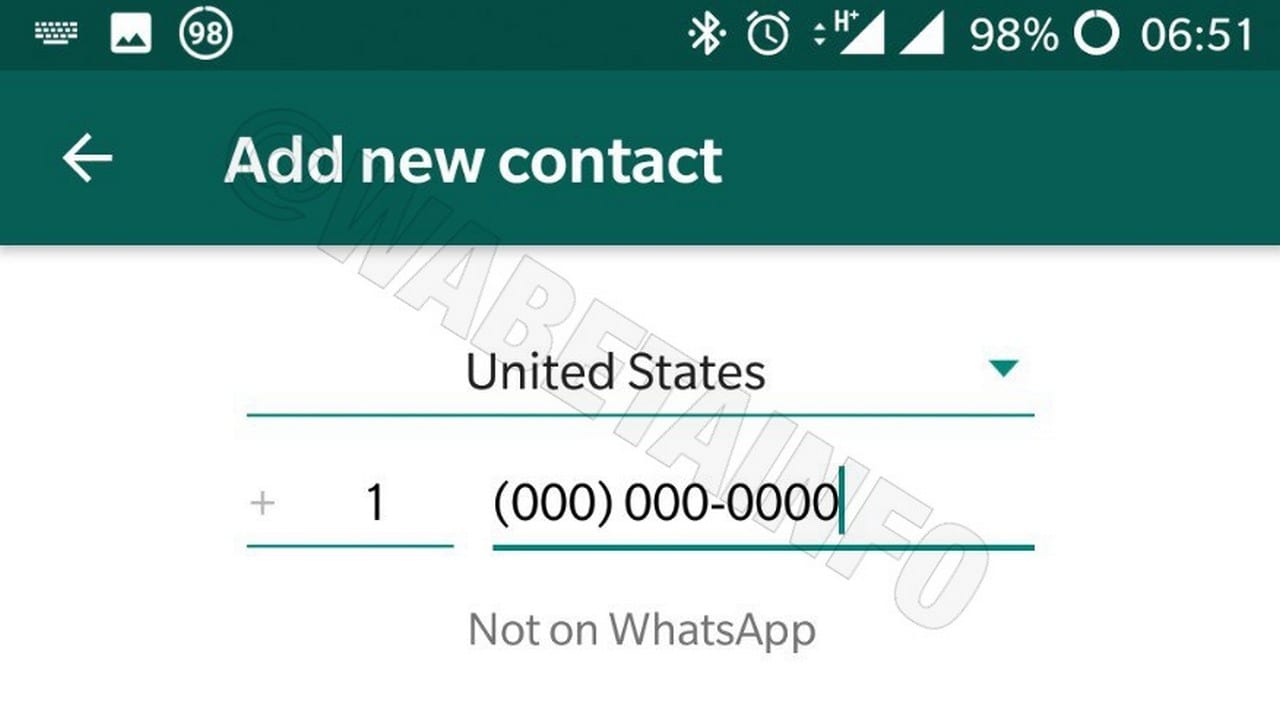 WhatsApp Add contacts. Image: WABetainfo[/caption]According to a report by WABetainfo, WhatsApp is also working on a feature that will allow users to share their own numbers as well. One can imagine it to be similar to the nametag feature that has recently been outed on Instagram and Snapchat.So when you wish to add a new contact in WhatsApp, you can choose to add it via the WhatsApp QR code function. After the QR code is detected WhatsApp will fill all the necessary details by itself and the contact will be directly added to your address book.[caption id="attachment_5548071" align="alignnone" width="1280"]
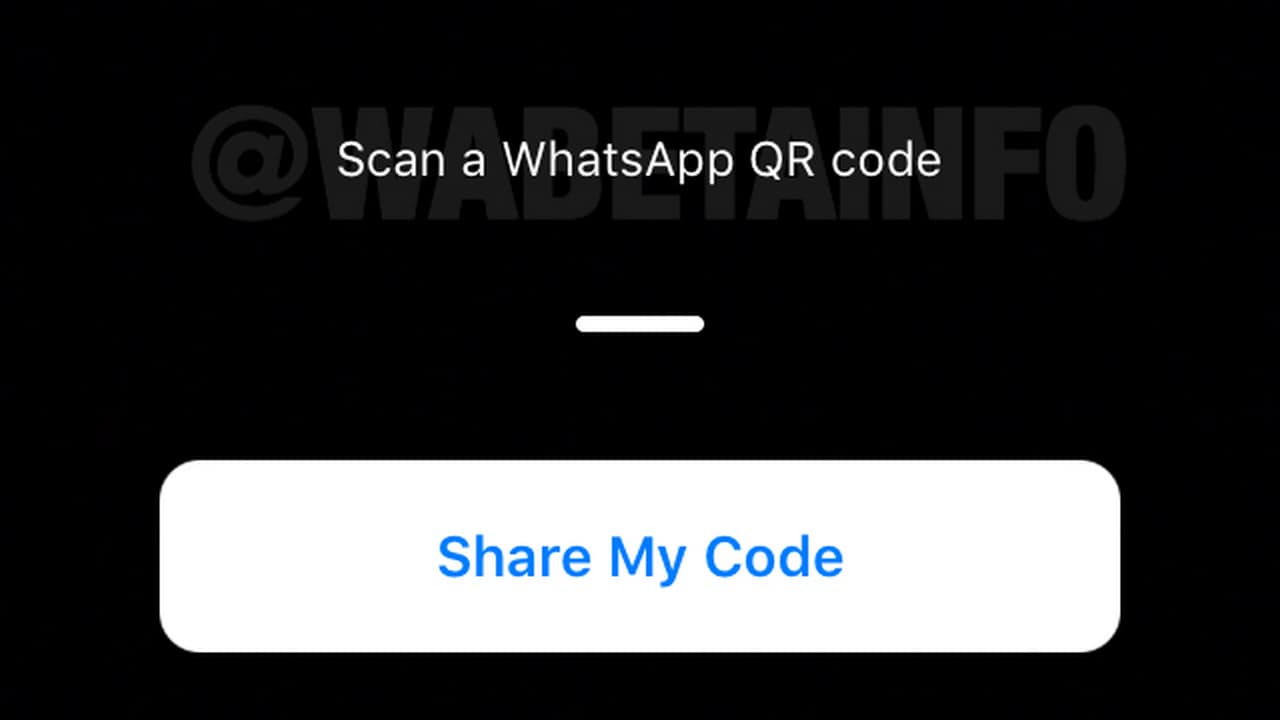 WhatsApp QR code. Image: WABetainfo[/caption]When the QR code is generated for the first time, you may also get an option to revoke it. If you revoke the QR code then that QR code will be marked as expired. According to the report, you can revoke your WhatsApp QR code unlimited times.The features aren't out yet on iOS and Android as they still are said to be undergoing some improvements but you should be able to see them quite soon.

Why AI notetakers are raising serious privacy and security concerns
China's low-cost AI models are changing the global AI race. Here's why Silicon Valley is worried
China's Kimi K3 challenges US AI leaders with frontier-level performance at lower cost
How did Instagram run ads promoting child abuse in India?
Why has India halted WhatsApp’s username feature before launch?