


Several Gmail users report they are facing issues using the Mail app in Windows 10
Some have attributes the issue to the May update of the app, which likely broke an element of Gmail integration.

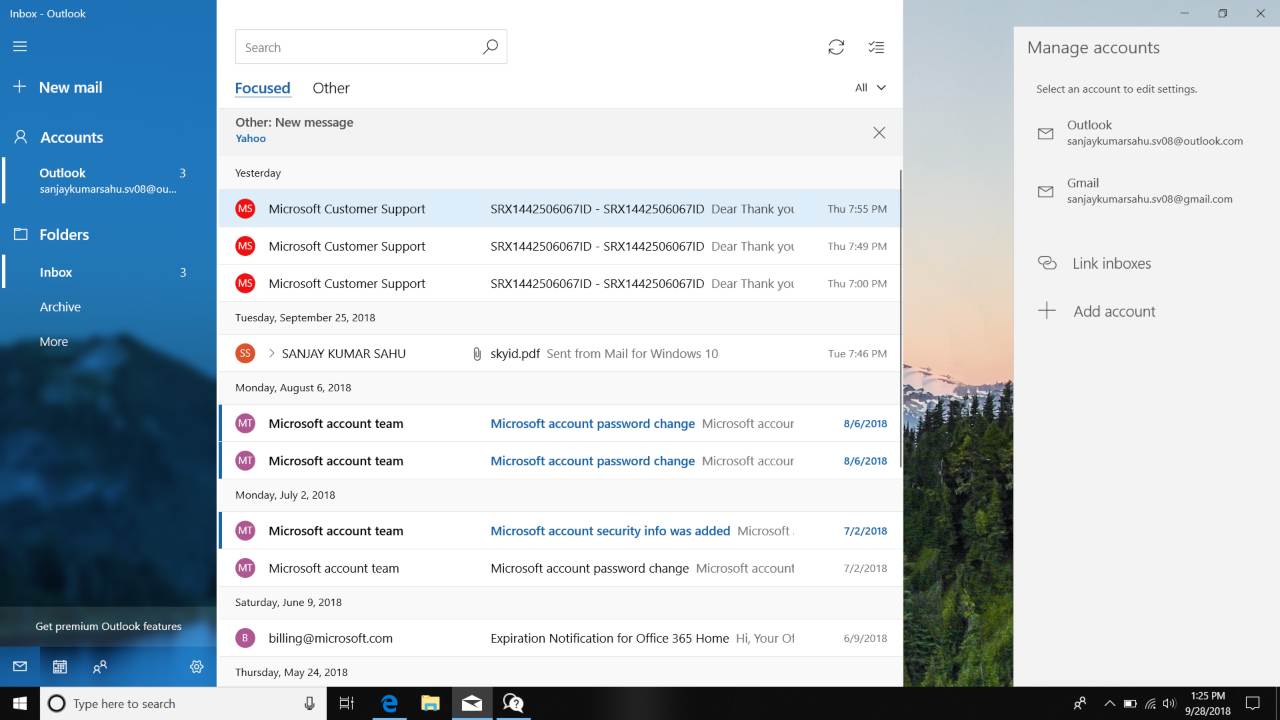
The Windows 10 mail app isn't fixed yet, as of 30 June. Image: Microsoft Community[/caption]Microsoft released its latest update for Windows 10 in May, following which, some users also reported issues with the Google Chrome browser, according to 9To5 Google.They complained that the browser had stopped syncing and reverts to a signed-out state upon a reboot. It was also reported that the issue was also deleting cookies off of the device, making websites treat Chrome browser as a fresh install. As a result of this, the websites was asking users to sign in every time they rebooted their machine.Some people have suggested a temporary solution to the problem faced by Gmail users. Creating a new filter would prevent emails from being transferred to spam folder directly, they propose.To do so, you will have to go to Gmail Settings and click on filters and blocked addresses. Then, you will need to click on create a new filter and put your email address into the 'From' field. Again, click 'create new filter', and on the next page, select 'Never send it to Spam'.

Why AI notetakers are raising serious privacy and security concerns
China's low-cost AI models are changing the global AI race. Here's why Silicon Valley is worried
China's Kimi K3 challenges US AI leaders with frontier-level performance at lower cost
How did Instagram run ads promoting child abuse in India?
Why has India halted WhatsApp’s username feature before launch?