


Samsung removes disabling option for the Bixby 2.0 button in the Galaxy Note 9
Some of the functions of bxActions a Bixby remapping app has most of its functions blocked on the Note 9.

Unless you're a Samsung fan, you will most likely hate its digital assistant Bixby. The fact that Samsung introduced a button on the Galaxy S8, Note 8, Galaxy S9 and Note 9 that can't be remapped to do anything else other than open Bixby is frankly quite irritating. Samsung did allow the ability for users to disable the button on Bixby 1.o. It would seem that is about to change in Bixby 2.0.[caption id="attachment_4988321" align="alignnone" width="1280"]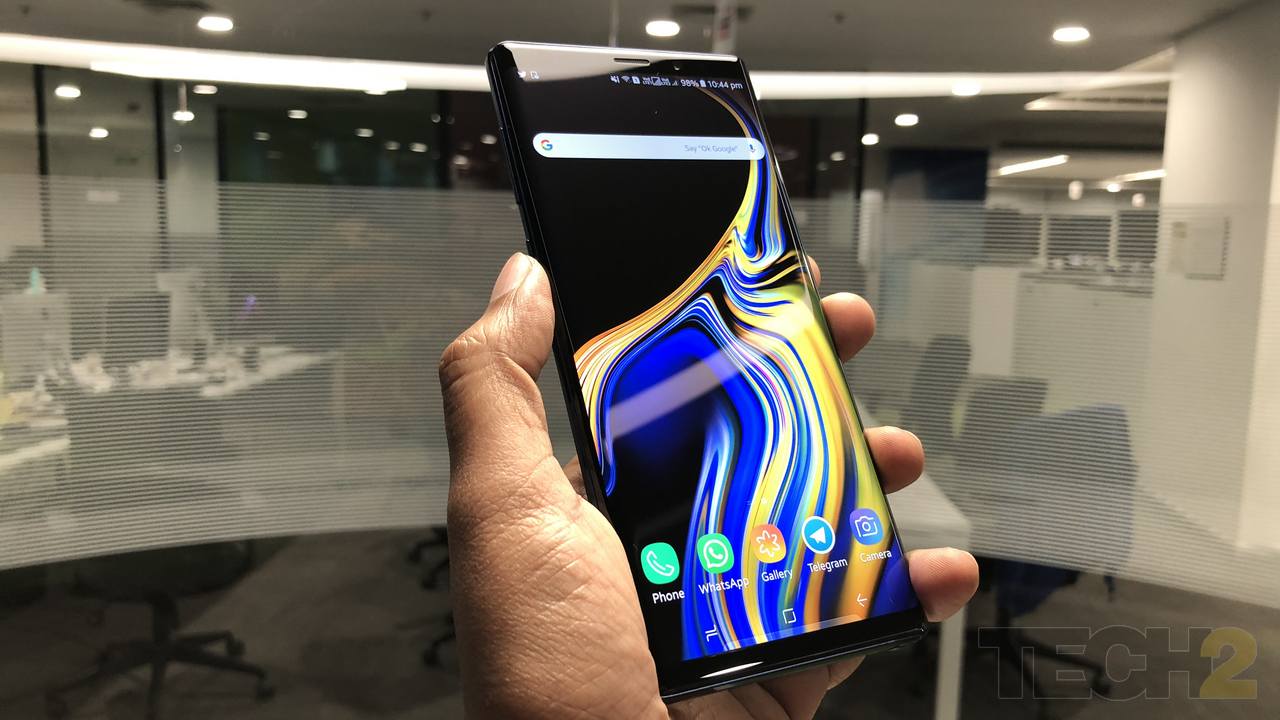 The Samsung Galaxy Note 9. Image: tech2/Sheldon Pinto[/caption]As per a report by XDA-Developers, bxActions, an app which can help to remap the Bixby button without rooting the device, has some of its functions not working on the Note 9, which uses Bixby 2.0. The report states that certain actions such as double tap and long press are not working as Bixby cannot be disabled.This is most likely going to disgruntle most the Note 9 users for sure, as the Bixby button is more often than not clicked accidentally, firing up the AI-assistant and interrupting what you are doing.(Also Read: Supercapacitors to charge Galaxy Note 9's S Pen: What is it and how does it work?)If you are completely hell-bent on not having anything to do with Bixby, then there is a way to remove the physical button which fires up Bixby. YouTuber JerryRigEverything has shown how it can be done on the Note 9. Of course, it goes without saying that this is not advisable and you should proceed with this at your own risk.

Why AI notetakers are raising serious privacy and security concerns
China's low-cost AI models are changing the global AI race. Here's why Silicon Valley is worried
China's Kimi K3 challenges US AI leaders with frontier-level performance at lower cost
How did Instagram run ads promoting child abuse in India?
Why has India halted WhatsApp’s username feature before launch?