


Opera Browser for Android to come with free, unlimited built-in VPN service
The VPN service on the Opera browser can be activated with a toggle switch and offers enhanced online privacy protection

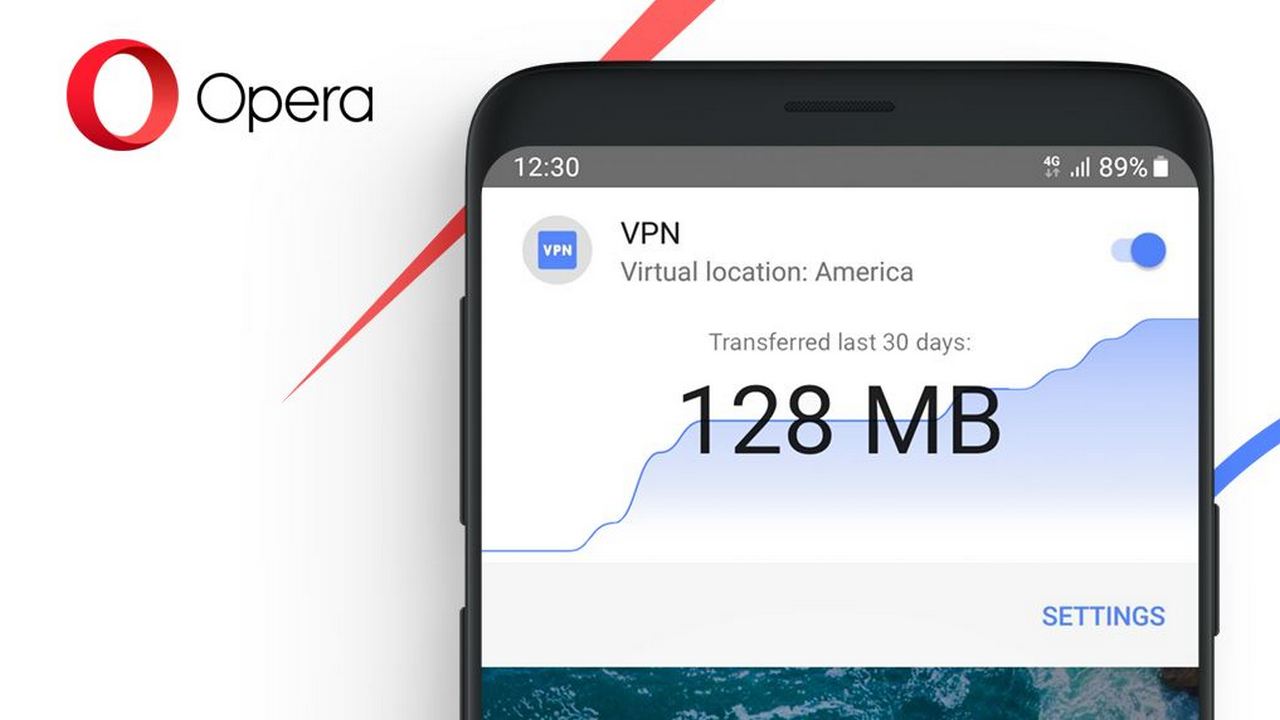
Opera Browser to offer a free VPN service. Image: Opera[/caption]According to Peter Wallman, SVP for Opera Browser for Android, "There are already more than 650 million people using VPN services globally. With Opera, they can now enjoy a free and no-log service that enhances online privacy and improves security."Opera Browser on Android has a VPN that uses a 256-bit encryption algorithm to create a private and encrypted connection between a user's mobile device and the remote VPN server. In addition to hiding a user's location and making it harder to track their online behaviour, the Opera VPN will also offer a no-log service. No-log service means that the VPN servers will not log or retain any activity data, thereby adding an additional layer of privacy to your online activities.Using a VPN is advised when you are accessing public Wi-Fi networks at airports or coffee shops. According to Opera, the VPN will send users' request through a secure tunnel that encrypts the internet traffic coming in and out from the mobile devices. This is done to prevent any malicious third party to collect your sensitive information."According to a report by the Global World Index in 2018, the use of VPNs on mobile devices is rising. More than 42 percent of VPN users on mobile devices use VPN on a daily basis, and 35 percent of VPN users on computers use VPN daily," says the Opera page.
How to use the Opera Browser VPN on Android
[caption id="attachment_6302931" align="alignnone" width="1015"]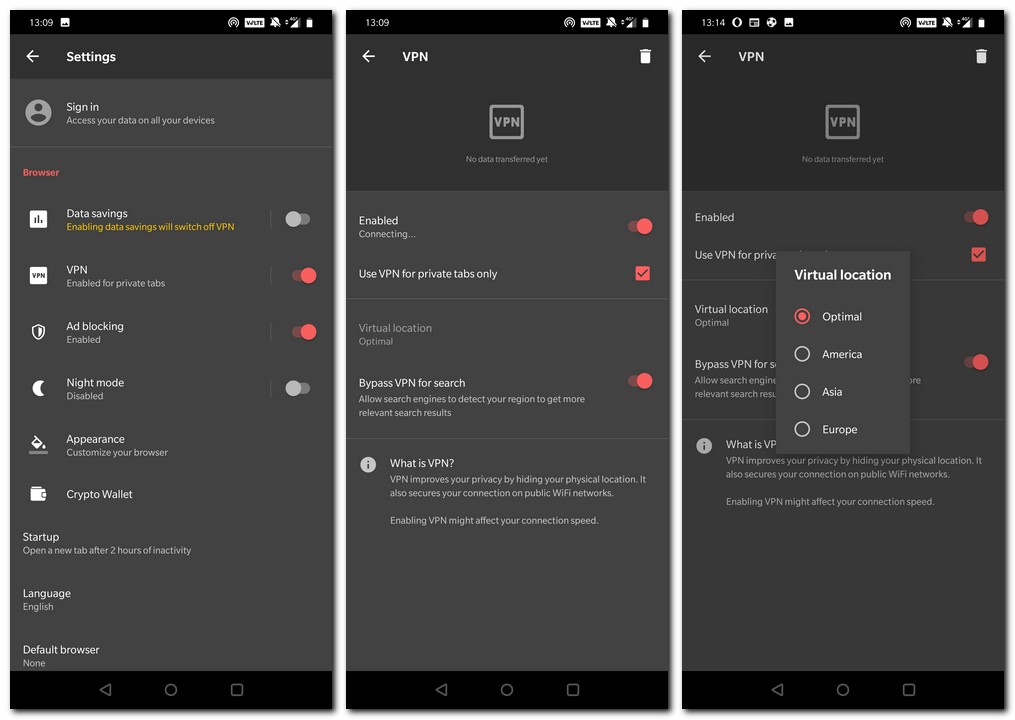
Opera Browser VPN options.[/caption]
- You will first need to ensure that you have the latest version of the Opera Browser (version 51) from the Google Play Store.
- Open the Opera Browser and hit the O button on the bottom right corner.
- Go to Settings > VPN and switch the toggle to on
- You can tap on VPN which will take you add more granularity to your settings, such as selecting your VPN virtual location, choosing whether you want to use VPN for Private Browsing, Bypassing VPN for search so that you get region specific search results even when you are using the VPN.
- The VPN service is free to use and you do not require any additional apps for the service to work.

Why AI notetakers are raising serious privacy and security concerns
China's low-cost AI models are changing the global AI race. Here's why Silicon Valley is worried
China's Kimi K3 challenges US AI leaders with frontier-level performance at lower cost
How did Instagram run ads promoting child abuse in India?
Why has India halted WhatsApp’s username feature before launch?