


Minecraft with Nvidia RTX for Windows 10 Beta is now available, Here’s how to download
NVIDIA has asked gamers to play Minecraft in fullscreen mode at 1920 x 1080 with ray tracing chunk distance set to 8.

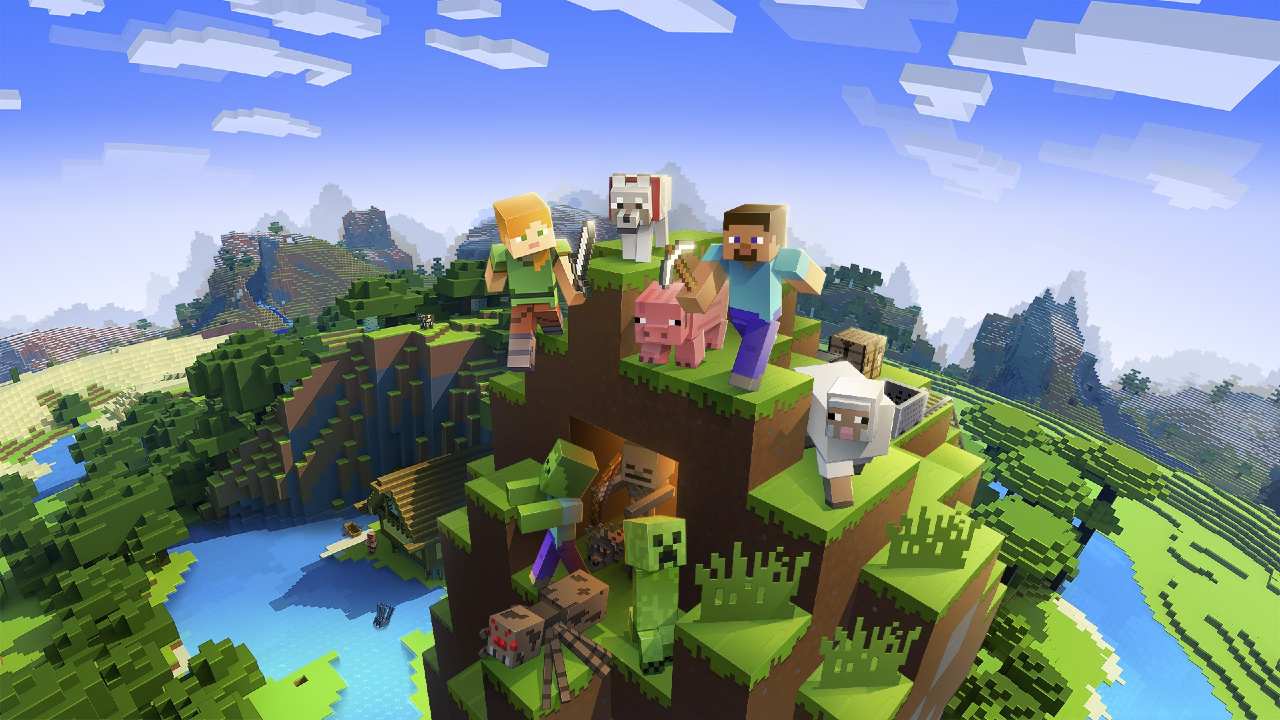
Minecraft. Image: Microsoft.[/caption]The company said that it has worked with Minecrafters to create six “stunning creator worlds” that can be downloaded for free from the in-game Minecraft Marketplace.
Here's how to download and play Minecraft with RTX Beta
According to NVIDIA, Microsoft and Mojang are operating Minecraft with RTX Beta via the Xbox Insider programme. To download the game, make sure your Windows 10 system meets the minimum requirements:GPU: NVIDIA GeForce RTX 2060, or betterCPU: Intel Core i5, or equivalent, or betterRAM: 8GB, or moreStorage: 2GB (Game, plus all worlds and resource packs)Operating System: Windows 10 x64Download and install the latest Windows 10 updates, followed by Minecraft with RTX Game Ready Driver, NVIDIA said.There are a few more things that users must keep in mind before they start to play Minecraft Bedrock on Windows 10.Any world that gamers open while participating in the Minecraft with RTX Beta will not be available in other Minecraft for Windows 10 betas on the Insider program. It will also not open in the full version that will be launched at a later date.Players are recommended to make copies and backups of all the worlds that they wish to play in the RTX Beta. This will help them restore it at a later date in other versions of Minecraft.NVIDIA has asked gamers to play Minecraft in fullscreen mode at 1920 x 1080 with ray tracing chunk distance set to 8.

Why AI notetakers are raising serious privacy and security concerns
China's low-cost AI models are changing the global AI race. Here's why Silicon Valley is worried
China's Kimi K3 challenges US AI leaders with frontier-level performance at lower cost
How did Instagram run ads promoting child abuse in India?
Why has India halted WhatsApp’s username feature before launch?