


Guru Nanak Jayanti 2019: How to download and send themed WhatsApp stickers
You can send Guru Nanak Jayanti themed WhatsApp stickers, here is how you can find ad download them from Play Store.

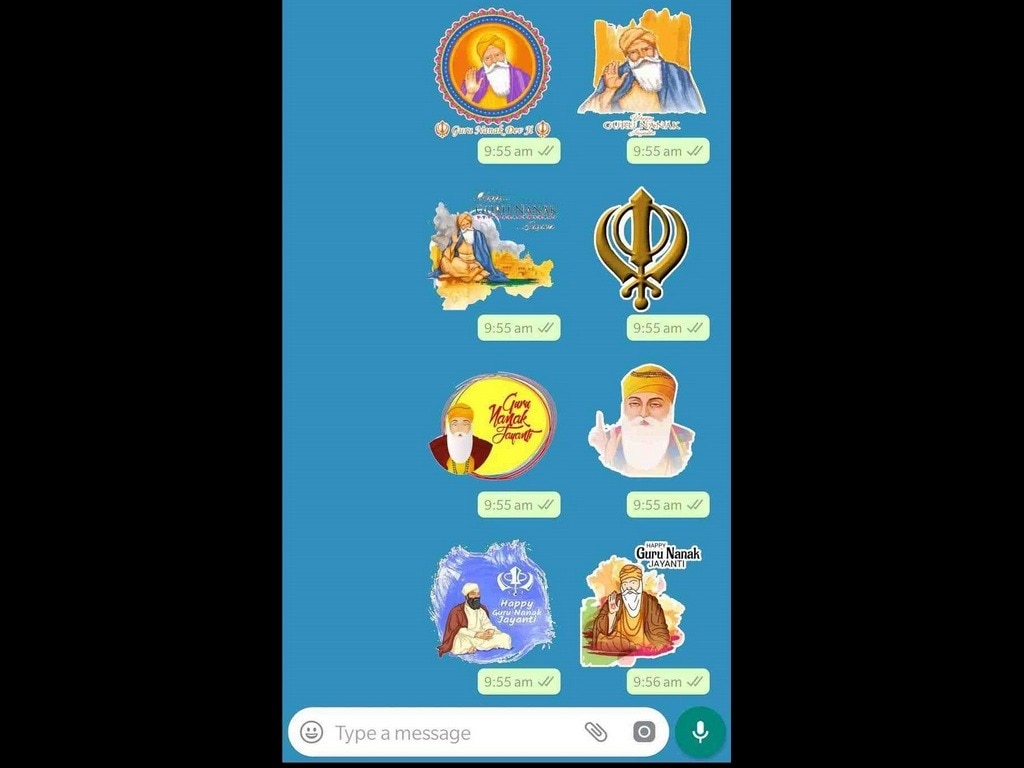
You can find Guru Nanak Jayanti themed WhatsApp stickers on Play Store.[/caption]All you need to do is head to the Play Store and look for ‘WhatsApp Stickers for Guru Nanak Jayanti’ or something on the same lines to find stickers, apps, wallpapers, and even message generators for use on WhatsApp. You will come across a list of apps, select as many as you want and install.Make sure that you go through the reviews of these apps as that can prove to be helpful when you are deciding which app is better.Now open the app and tap on "+" or "Add" that appears in front of your preferred set of stickers. Now, these stickers are added to your WhatsApp and are ready to use.Now go to WhatsApp and in a chat window, tap the emoji button and then select stickers option, you will find the stickers pack that you have installed, just tap and send.You can choose apps like Sikh Stickers, Punjabi Sticker For Whatsapp, and Guru Nanak Dev ji Gurpurab Sticker WAStickerApps.

Why AI notetakers are raising serious privacy and security concerns
China's low-cost AI models are changing the global AI race. Here's why Silicon Valley is worried
China's Kimi K3 challenges US AI leaders with frontier-level performance at lower cost
How did Instagram run ads promoting child abuse in India?
Why has India halted WhatsApp’s username feature before launch?