


Google Search app starts to get dark mode support on both Android and iOS devices
You can manually enable the dark mode by going to the Settings Menu of the Google Search app.

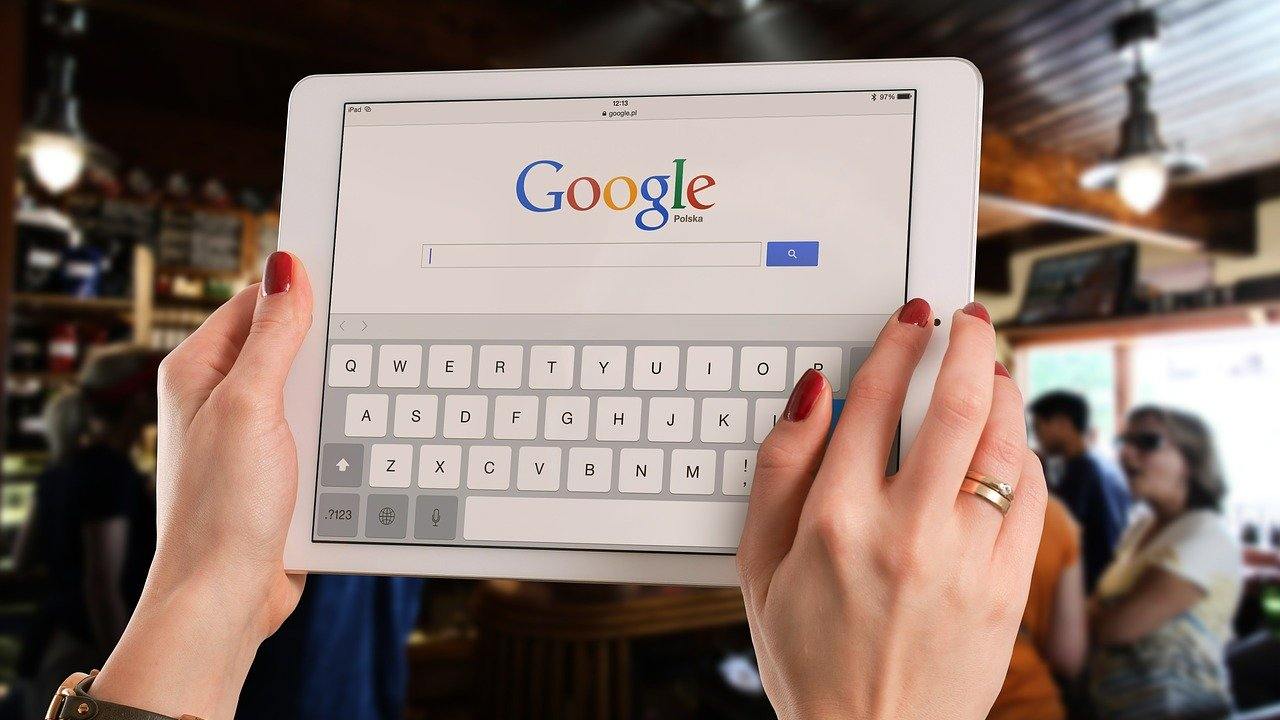
Google Search[/caption]Dark mode can be enabled or disabled using the Google app settings on iOS and Android.Engadget reports that when the update is available, the Google app will automatically detect a device's display settings and enable dark mode.You can even manually change it by going to the Google Search app and clicking on the settings menu. After that, you need to select the General tab from the list and scroll to select 'theme'. Users will see the option to choose light, dark or system default.The feature has been in the beta version for some time. Dark mode will help create a more unified look across the apps on your smartphone. It will also mitigate eye strain and help improve the battery life of your smartphones.Last year, the dark mode was made available on Instagram, Google Maps, and Gmail apps on Android 10 smartphones.In March this year, WhatsApp also started rolling out dark mode support for both iOS and Android users.Earlier this year, Facebook also incorporated dark mode in its desktop/laptop version.

Why AI notetakers are raising serious privacy and security concerns
China's low-cost AI models are changing the global AI race. Here's why Silicon Valley is worried
China's Kimi K3 challenges US AI leaders with frontier-level performance at lower cost
How did Instagram run ads promoting child abuse in India?
Why has India halted WhatsApp’s username feature before launch?