


Dibrugarh University declares results for odd semesters of BA, BSc, BCom courses; check results on dibru.net
The Dibrugarh University in Assam on Thursday released the results for the 1st, 3rd and 5th semesters of BA, BSc, BCom courses.

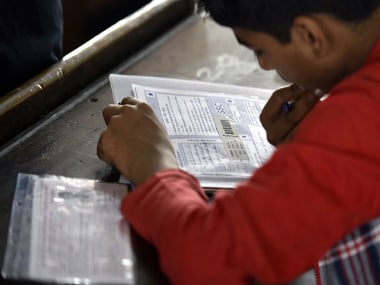
Representational image. Getty images[/caption]Candidates who want to check the result can do so on dibru.net, the official website. The results were declared at around 11 am, according to NDTV.According to The Times of India, the marksheets of the candidates for the November 2017 examinations will also be dispatched separately to the addresses of the candidates.Here are the steps students can follow to check their results:1. Go to the official website dibru.net.2. Choose from the semesters and courses displayed and click on the link to check the result of the semester and course you want to select.3. Download the PDF document of the result for that semester and course to check the result.4. Using the shortcut 'Ctrl + F', find your roll number on the document.Times Now also reported that students should keep in mind that the results provided online are only for immediate consumption and a printout of the results will not be counted as bonafide marksheets.The official marksheets will only be provided by the university eventually.

Govt to set up fast-track courts for swift punishment in paper leak cases, says PM Modi amid CJP protests
Sikkim tunnel collapse rescue resumes, death toll rises to 22
Delhi Police asks personnel to wear uniform: What the law says on cops in plainclothes during protests
No premium queues, 30-minute target: What changes for Indian passport applicants in UAE
CJP Protest in Delhi Live Updates: PM Modi announces announces fast-track courts for NEET paper leak cases