


Photos and videos in unsupported formats will now take up space on Google Photos
The file formats which Google will not be supporting are heavy ones such as RAW and VOB.

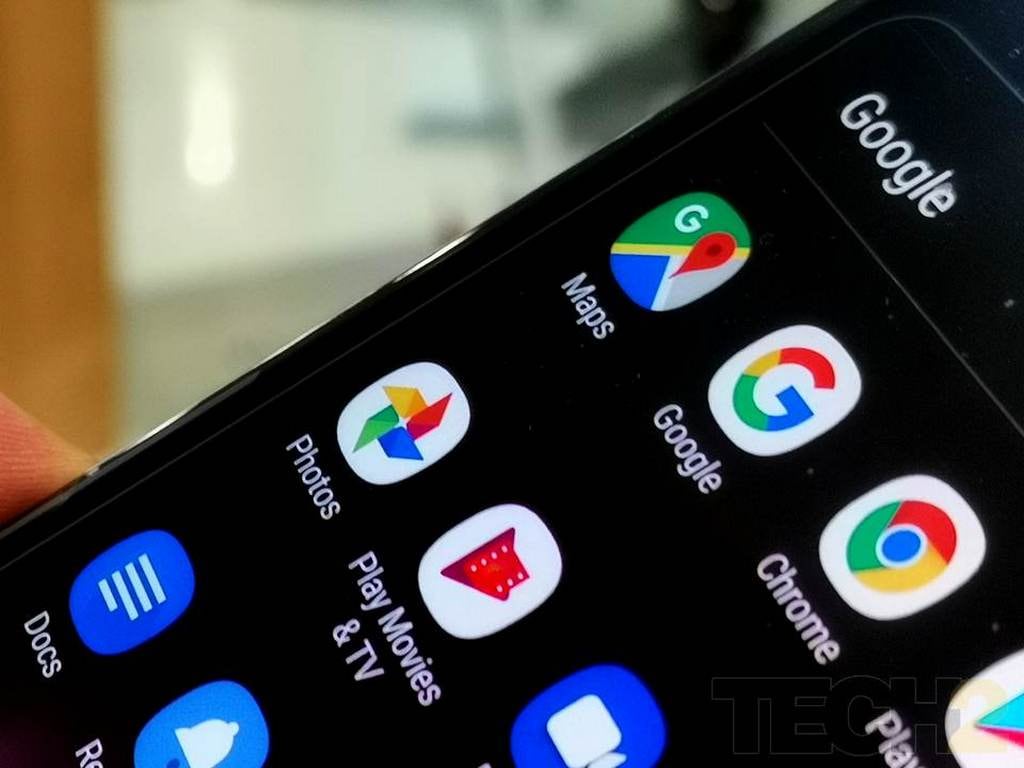
Google Photos. Image: tech2[/caption]The file formats which Google will not be supporting are heavy ones such as RAW and VOB. Typically photo enthusiasts upload videos in the loss-less RAW format to retain details lost during Google's compression of the file, which Google does to make it easier to upload.Google's removal of unsupported file formats comes as a side note on Google's support site which states "Unsupported videos uploaded after December 6, 2018, take up storage space."This raises the question as to why Google didn't inform users about the same earlier. Also what remains to be known is whether the paid users of Google Photos service be affected as Google has not clarified these details.Another detail that Google hasn't shed light on is whether Pixel users will be affected by this change. Pixel users, who have unlimited high-quality storage options have been enjoying unlimited storage since the launch of the first Pixel device. To find out if you have unsupported videos on Google Photos, open photos.google.com on your phone or computer and follow these steps.
- At the top, click Menu Menu and then Settings.
- Click Unsupported videos.
- Select the videos you want to download or delete.
- Download: Click Download.
- Delete: Click Delete, Delete and then Delete once again.

Why AI notetakers are raising serious privacy and security concerns
China's low-cost AI models are changing the global AI race. Here's why Silicon Valley is worried
China's Kimi K3 challenges US AI leaders with frontier-level performance at lower cost
How did Instagram run ads promoting child abuse in India?
Why has India halted WhatsApp’s username feature before launch?