


Nokia 6.1 Plus can hide the notch under developer settings in Android 9.0 Pie beta
One can hide the Nokia 6.1 Plus notch by firstly going to the settings and enabling the developer option.

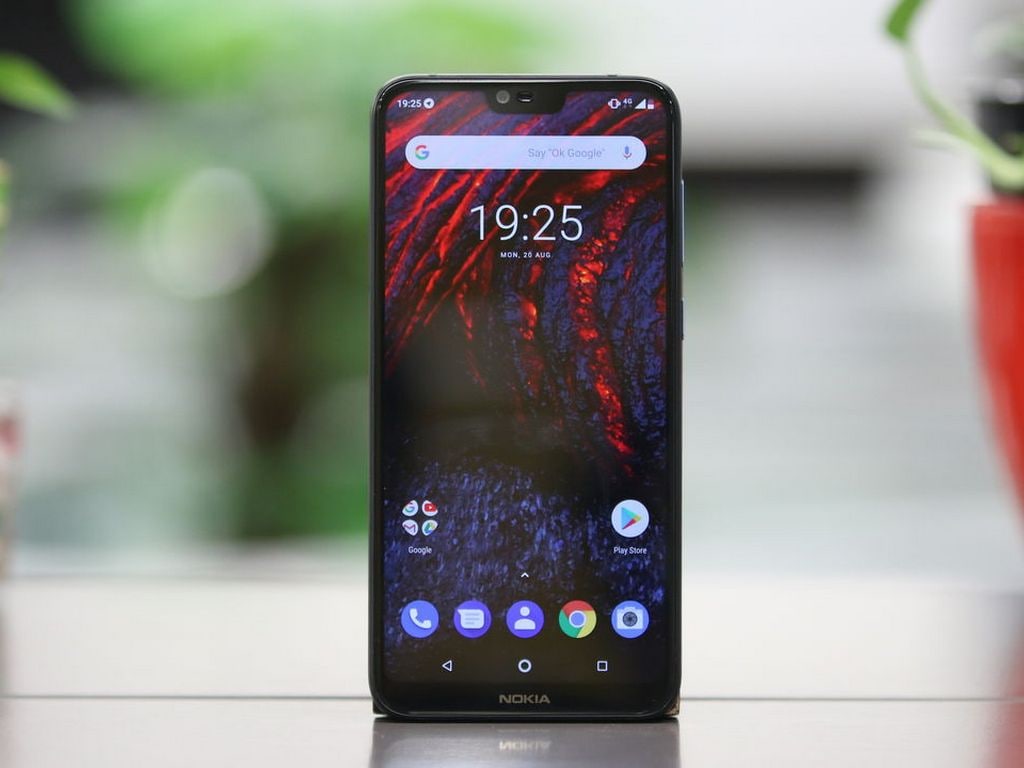
Nokia 6.1Plus.[/caption]According to a report by MySmartPrice, the option of putting the notch back on and then hide it can be done only under developers settings, like on the Google Pixel 3 XL.One can hide the notch by firstly going to the settings and enabling the developer option. After settings go to the About phone option and scroll down to the System section and check for the build number.Then you would have to tap on it seven times as per the report. This will prompt you with a message saying that you are now a developer.Once that's done, you can get into the options and from the system settings menu, you can tap on the 'Full Bezel' toggle to hide the notch.The feature to hide the notch was introduced by the company but according to GSMArena, it was later removed by Google due to the phone being on the Android One program.

Why AI notetakers are raising serious privacy and security concerns
China's low-cost AI models are changing the global AI race. Here's why Silicon Valley is worried
China's Kimi K3 challenges US AI leaders with frontier-level performance at lower cost
How did Instagram run ads promoting child abuse in India?
Why has India halted WhatsApp’s username feature before launch?