


Microsoft demos method for linking an Android phone to your PC; iOS support coming soon
With this link, while browsing the net on your phone, if you wish to see a website on your PC, you can simply invoke the native sharing on the app.

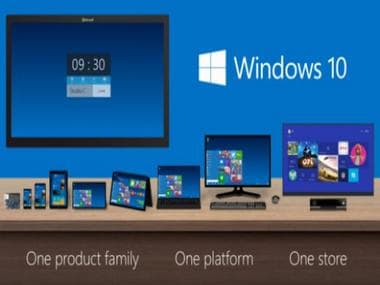
Windows10[/caption]If you're in Microsoft's Insider Preview Program, the first step is to go to settings after installing the new build and linking your phone. An option for the latter will be present in the 'Settings' app. An SMS will shortly be provided by Microsoft to install an application called “Microsoft Apps” for Android phones. This new phone-to-PC link will "enable one of Microsoft's first cross-device browsing scenarios", says Microsoft.With this link, while browsing the net on your phone, if you wish to see a particular website on your PC, you can simply invoke the native share experience on"Microsoft Apps" by using the "Continue on PC" option. At first you will be asked to sign into your Microsoft account.This is one of many features that Microsoft plans on using to bind Windows 10 with Android and iOS for cross-device interoperability. In the future, this might also include sharing content to and from PC's and also copy-pasting between the devices via a universal clipboard, according to The Verge.Among other updates there is one which enables the user to view Cortana results within the digital assistant, without the need to start the web browser. Cortana will also now support voice commands like “Hey Cortana, shutdown my PC".

Why AI notetakers are raising serious privacy and security concerns
China's low-cost AI models are changing the global AI race. Here's why Silicon Valley is worried
China's Kimi K3 challenges US AI leaders with frontier-level performance at lower cost
How did Instagram run ads promoting child abuse in India?
Why has India halted WhatsApp’s username feature before launch?