


Apple rolls out second public beta for iOS 13 and iPadOS for iPhones, iPads
There are more under-the-hood fixes here, making iOS 13 Public Beta 2 more stable.

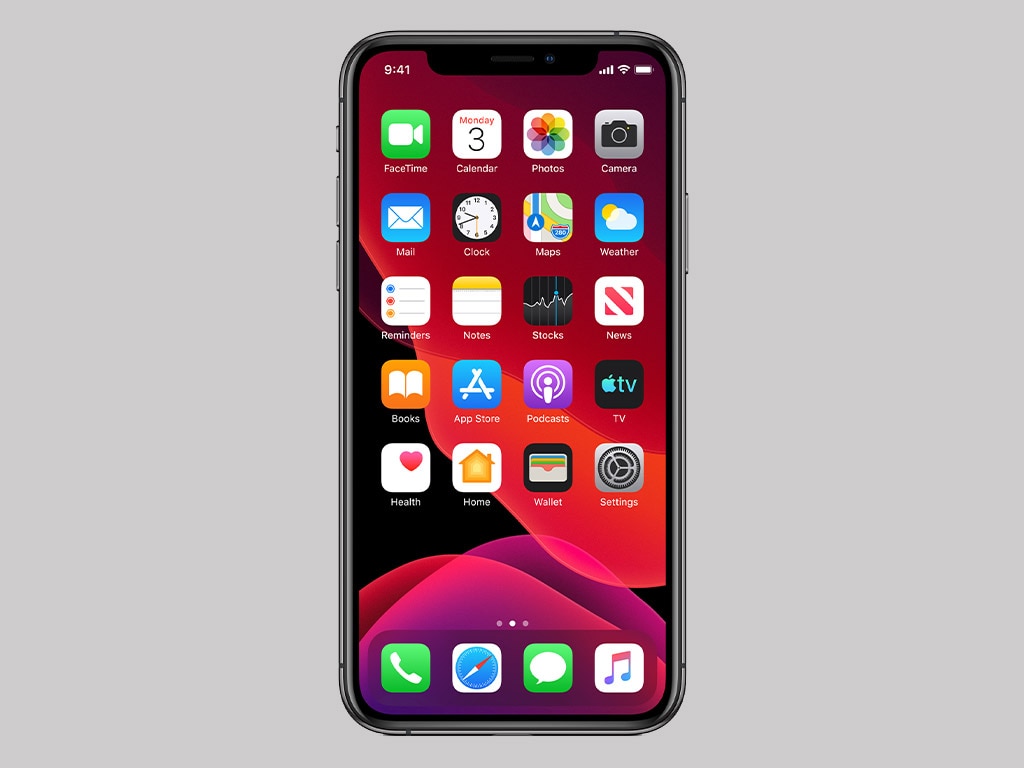
iOS 13 Dark Mode on an iPhone XS[/caption]There are smaller changes and fixes here as well. Maps now changes dynamically in CarPlay mode for light and dark mode, and QuickPath typing – Apple's version of Android's swipe keyboard – can be toggled on or off. There are more behind-the-scenes fixes as well, making iOS 13 Public Beta 2 more stable overall. But you will have to bear in mind that this is still a beta build and there will be issues that pop up every now and then.iPadOS also comes with a new animation designed to help you keep track of the active Split View window, as well as full-page screenshots.Also Read: How to install the iOS 13 and iPadOS Public Beta on your iPhone and iPadIf you have already been running the first public beta on your iPhone or iPad, this release should arrive as an over-the-air software update very soon, if it hasn't already. If you want to manually check for it, you can head over to Settings, click on 'About' and then tap on 'Software Update'.If you are on a stable iOS release but want to try the beta, head over to Apple's dedicated site for the beta program to enroll your device. Just keep in mind that bugs are inevitable, so it's probably not a great idea to go this route on your primary device.Also make sure you take a backup of all important data before proceeding.

Why AI notetakers are raising serious privacy and security concerns
China's low-cost AI models are changing the global AI race. Here's why Silicon Valley is worried
China's Kimi K3 challenges US AI leaders with frontier-level performance at lower cost
How did Instagram run ads promoting child abuse in India?
Why has India halted WhatsApp’s username feature before launch?