


Apple rolls out a new macOS Big Sur 11.2.1 update with free battery replacement program for a few MacBook Pro models
Some MacBook Pro users with the old models have had problems with their laptops that they stop charging past one percent.

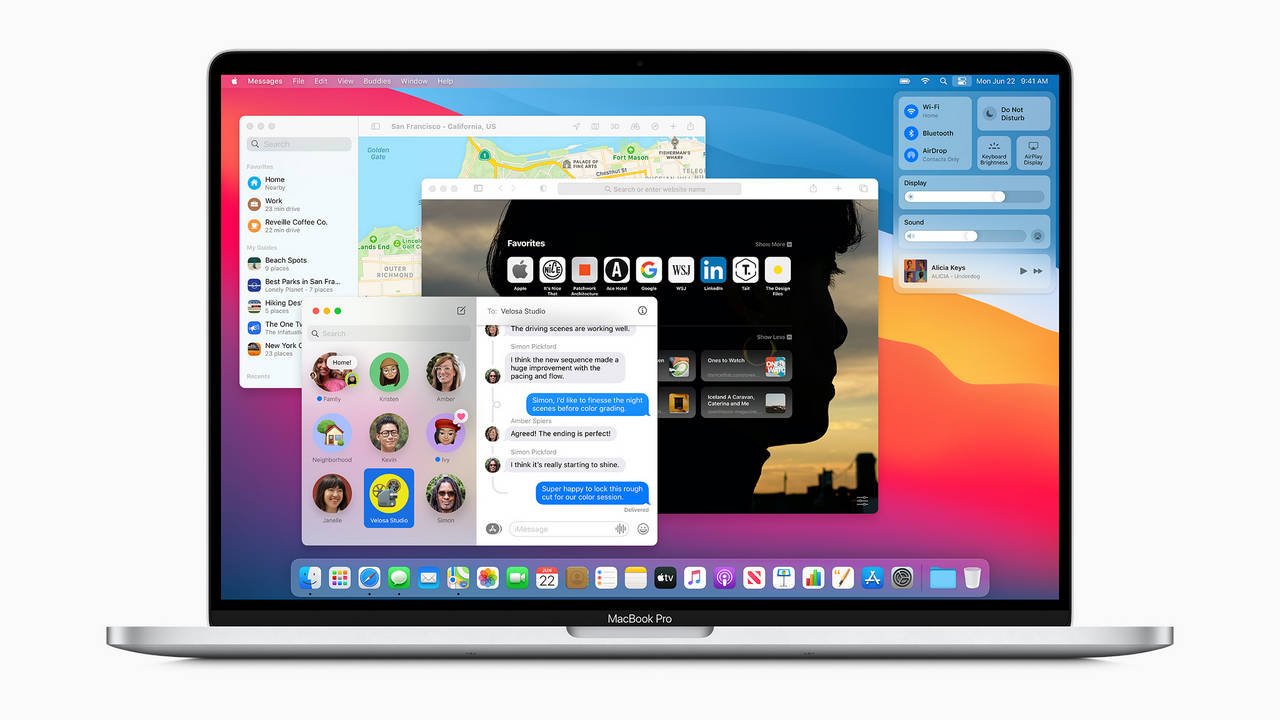
Those with a battery issue can contact Apple to get the battery replaced, free of cost.[/caption]Users affected with their MacBook Pro laptops can check the eligibility for the replacement program by using the battery status in the system preferences of their computer. The battery health status shows a "Service Recommended" message for the users that are unable to charge their MacBook Pro laptops beyond one percent. Users can access the battery health by going into clicking the Apple Menu, followed with System Preferences, Battery, and Battery on MacOS Big Sur.Users with older macOS can check battery health by holding the option key and clicking the battery icon in the menu bar. If the status shows the battery normal then the battery is not affected by the issue.Those with a battery issue can contact Apple to get the battery replaced, free of cost. The company will examine the laptop prior to service to confirm if the device is eligible for the free battery replacement.The devices that are eligible for the battery replacement program include the 2016 13-inch MacBook Pro (Two Thunderbolt 3 Ports), 2017 13-inch MacBook Pro (Two Thunderbolt 3 Ports), 2016 13-inch MacBook Pro (Four Thunderbolt 3 Ports), 2017 13-inch MacBook Pro (Four Thunderbolt 3 Ports), 2016 15-inch MacBook Pro, 2017 15-inch MacBook Pro.

Why AI notetakers are raising serious privacy and security concerns
China's low-cost AI models are changing the global AI race. Here's why Silicon Valley is worried
China's Kimi K3 challenges US AI leaders with frontier-level performance at lower cost
How did Instagram run ads promoting child abuse in India?
Why has India halted WhatsApp’s username feature before launch?