


Apple admits iPhone 11 with ultra wideband technology shares location even when disabled
KrebsOnSecurity discovered that the iPhone 11 Pro was sharing location data even when turned off.

Security researcher Brian Krebs found in an investigation that the recently launched iPhone 11 Pro was sharing the user’s location data despite the feature being disabled in the phone’s settings. Apple admitted that this was “expected behaviour” and there was nothing to worry about in terms of security.Krebs published a blog with his findings of the possible security bug and contacted Apple about the same. The company responded to him by saying that it did not “see any security implications” and that it was “expected behaviour.” It was because of a short-range (ultra-wide band) technology that allowed iPhone 11 users to share files locally with nearby phones using AirDrop. However, Apple said that a future version of iOS will include an option for users to disable it.[caption id="attachment_7497061" align="alignnone" width="1280"]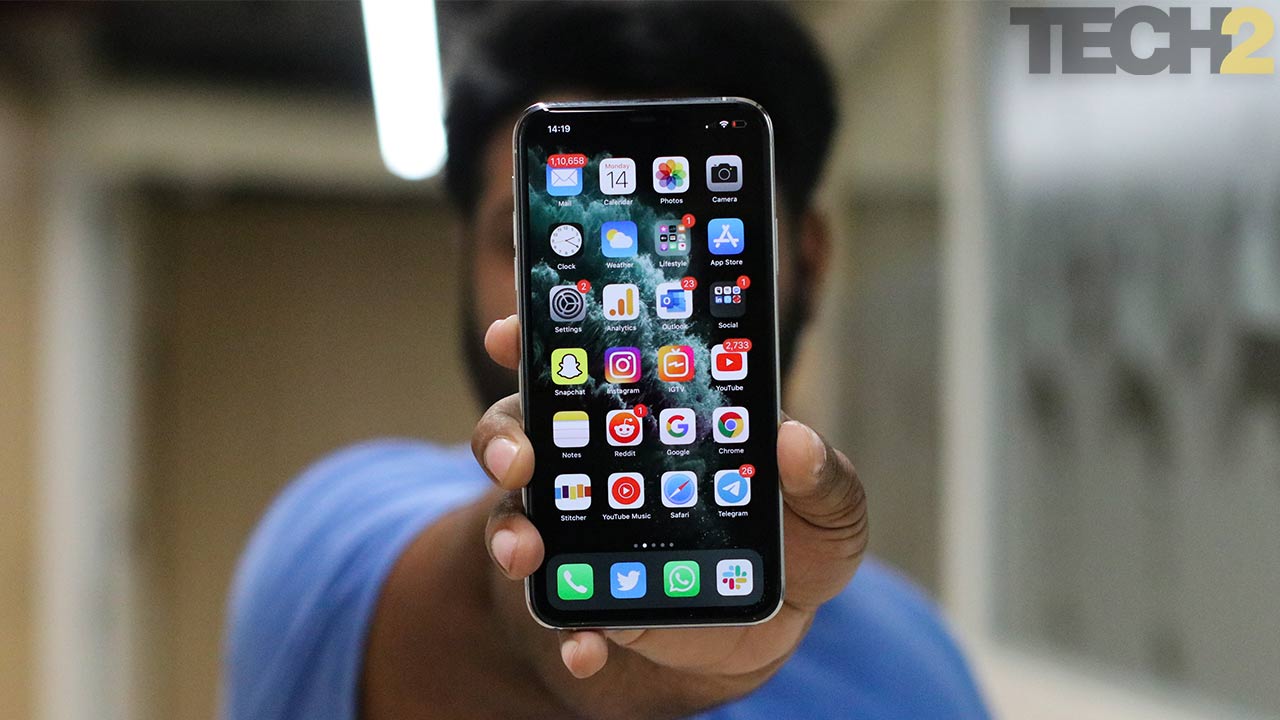 Apple iPhone 11 Pro Max. Image: tech2[/caption]
What’s actually going on?
In another statement to KrebsOnSecurity, Apple went into detail explaining that the issue was related to the ultra-wide band (UWB) technology that was used on the newer iPhone 11 and 11 Pro models. It enables spatial awareness for the device so that it can understand its relative position to other devices using the same technology. To ensure this feature worked seamlessly, iOS uses Location Services to pinpoint the location of the other iOS devices supporting the feature to enable data transfer via AirDrop. Location Services can be individually disabled for the installed apps or it can be completely disabled for the device. If you choose the latter, then the location wasn’t being shared. However, users will obviously opt for the former option. Apple said that the UWB compliance is done on the device entirely and none of the data is collected or sent to anyone.During his investigation, Krebs found that the location services icon would keep reappearing every few minutes. This happened even after he had disabled the location services of every installed app individually. In its statement, Apple said that the icon will appear whenever a system service tries to use UWB, which doesn’t have a switch in the settings.Apple said that it will add a toggle in the System Services menu so that users can choose whether they want to disable UWB activity. This feature will be pushed over an iOS update but there’s no confirmation when it will arrive. However, disabling this feature won’t let you take advantage of the U1 chip's features for AirDrop.
What is UWB technology?

Why AI notetakers are raising serious privacy and security concerns
China's low-cost AI models are changing the global AI race. Here's why Silicon Valley is worried
China's Kimi K3 challenges US AI leaders with frontier-level performance at lower cost
How did Instagram run ads promoting child abuse in India?
Why has India halted WhatsApp’s username feature before launch?