


How to rate an app on the Google Play Store

Here's how you rate an app on the Google Play Store.Go to the app’s listing on the Play Store. You can either search for the app you want to rate from the installed drawer in the Play Store or use a link within the app (most apps have requests from the developers asking you to rate them).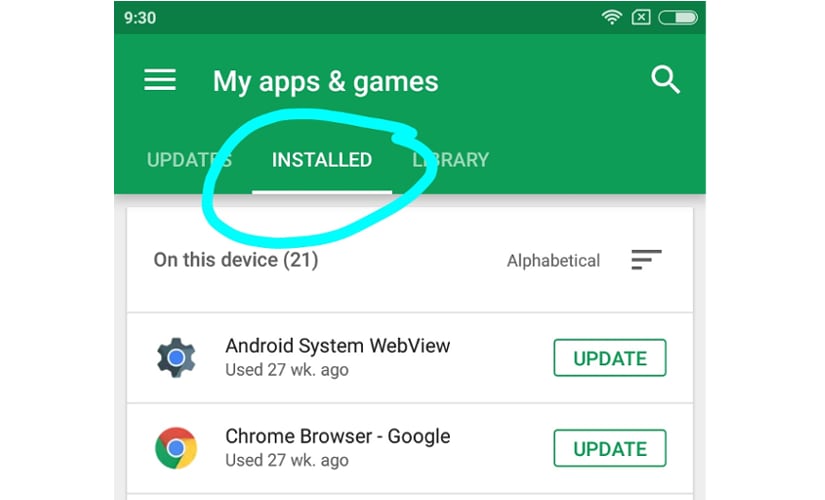 To leave a review, it is necessary to be logged in and your review will appear under your name. You cannot review apps you have never installed. However, any app that you have ever installed can be rated, even if it is not on your phone at the moment of the rating.
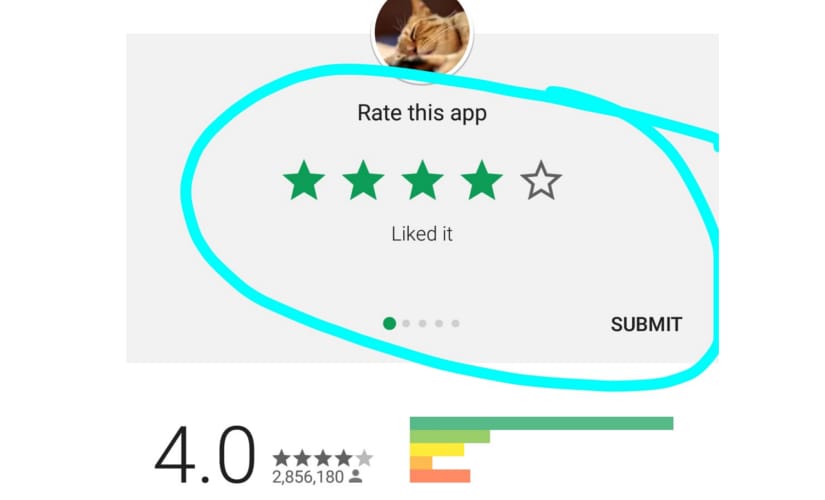 Click on the stars to give the app the rating you desire. Games have additional ratings on controls, gameplay and graphics.
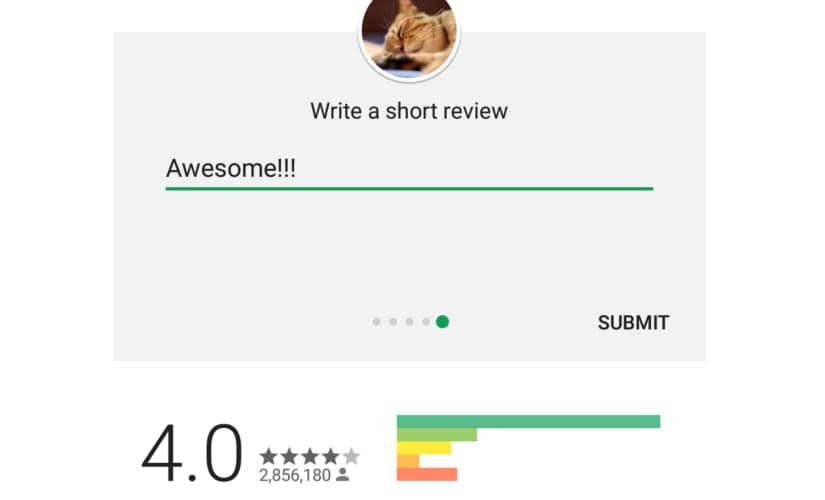 You can also choose to write something about the app but it is not mandatory. Finally, click on submit.

History Today: When Oppenheimer tested the first atomic bomb
Who is attending Pope Francis' funeral in Rome and who isn't?
History Today: When Iran's Supreme leader issued a fatwa against Salman Rushdie
T20 World Cup 2021: Brett Lee believes this could be the year of 'underdogs' Australia
Farm-sector bills empower farmers by opening more choices, bypassing influential middlemen